1
BatchMaster Software Inc.
BMM User Manual
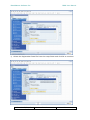
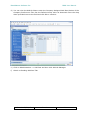
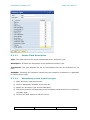
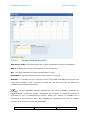
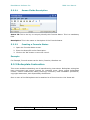
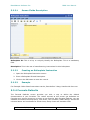
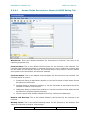
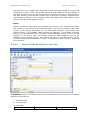
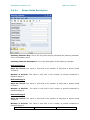
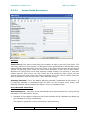
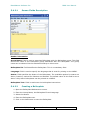
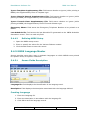
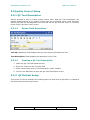
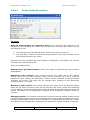
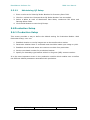
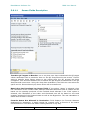
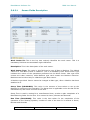
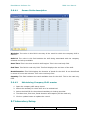
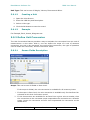
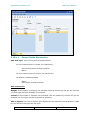
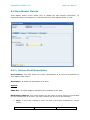
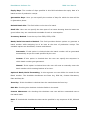
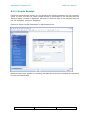
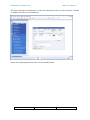
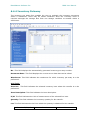
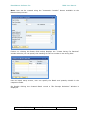
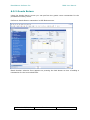
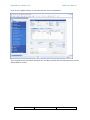
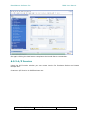
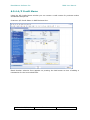
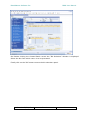
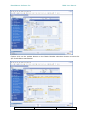
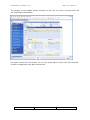
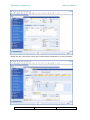
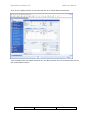
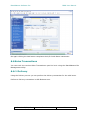
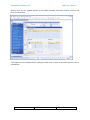
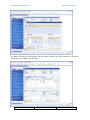
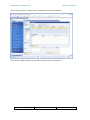
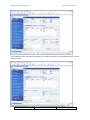
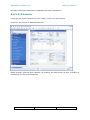
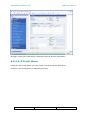
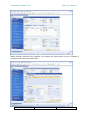
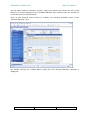
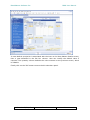
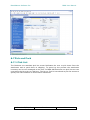
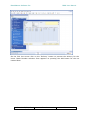
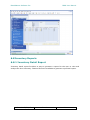
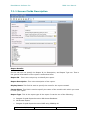
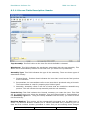
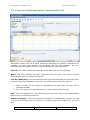
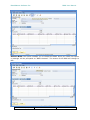
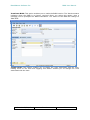
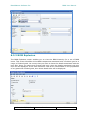
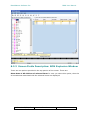
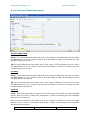
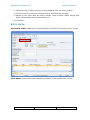
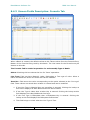
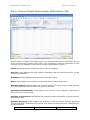
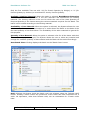
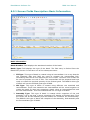
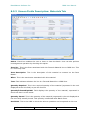
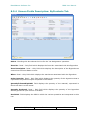
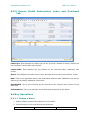
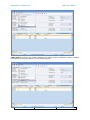
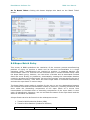
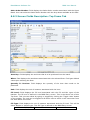
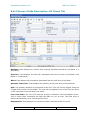
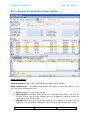
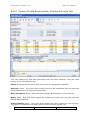
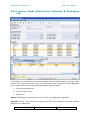
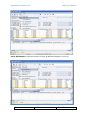
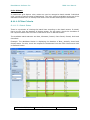
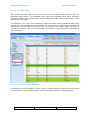
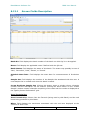
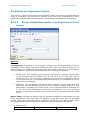
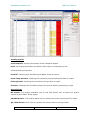
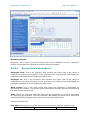
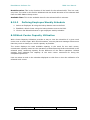
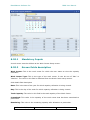
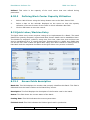
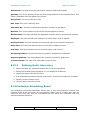
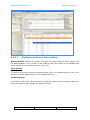
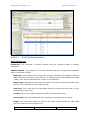
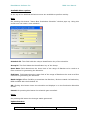
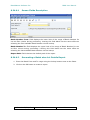
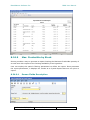
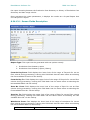
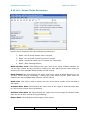
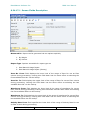
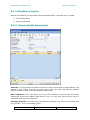
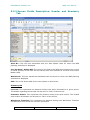
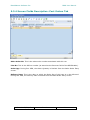
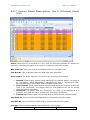
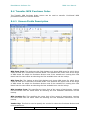
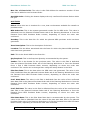
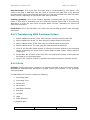
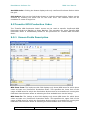
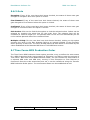
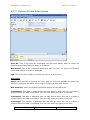
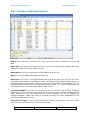
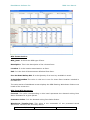
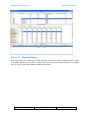
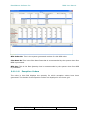
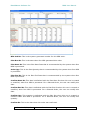
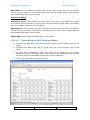
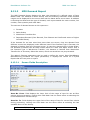
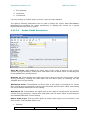
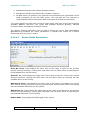
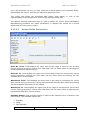
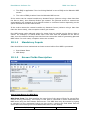
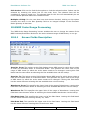
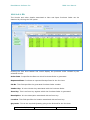
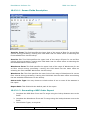
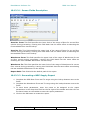
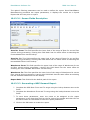
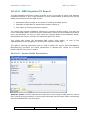
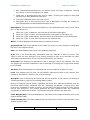
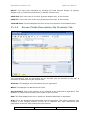
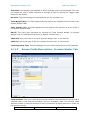
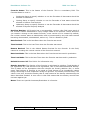
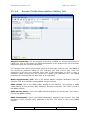
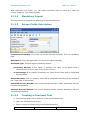
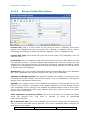
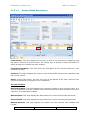
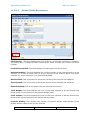
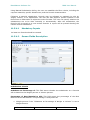
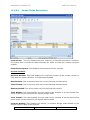
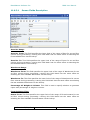
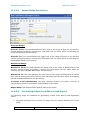
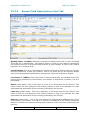
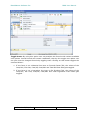
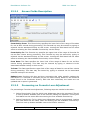
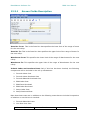
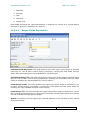
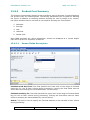
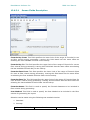
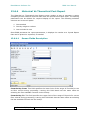
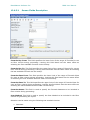
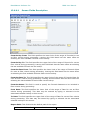
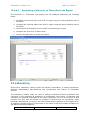
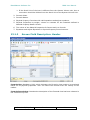
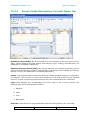
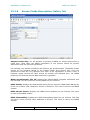
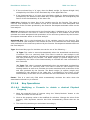
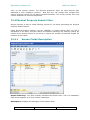
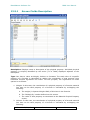
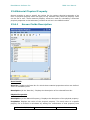
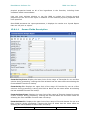
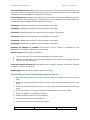
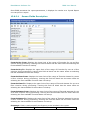
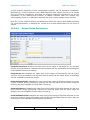
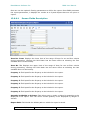
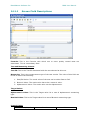
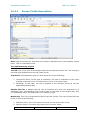
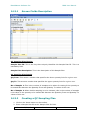
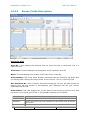
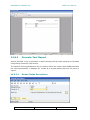
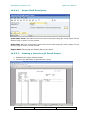
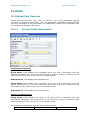
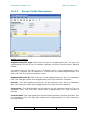
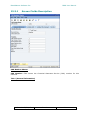
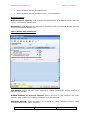
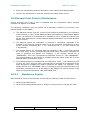
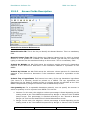
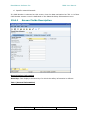
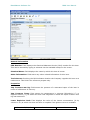
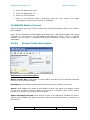
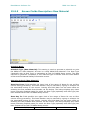
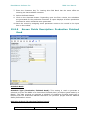
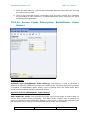
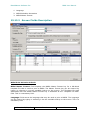
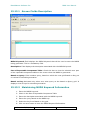
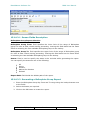
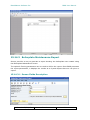
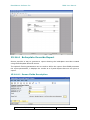
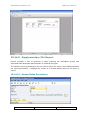
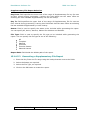
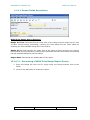
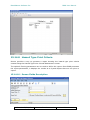
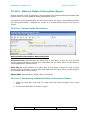
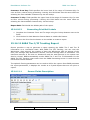
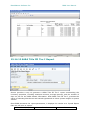
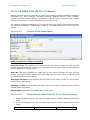
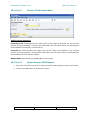
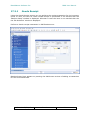
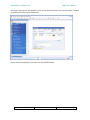
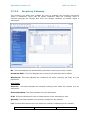
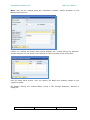
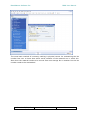
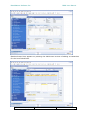
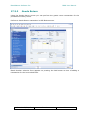
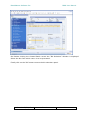
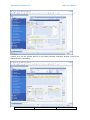
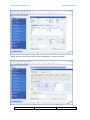
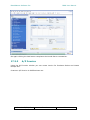
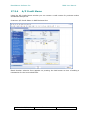
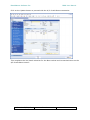
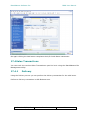
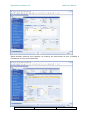
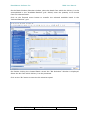
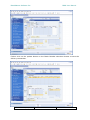
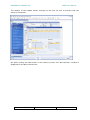
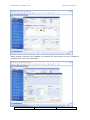
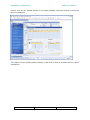
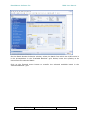
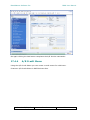
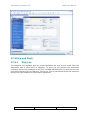
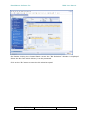
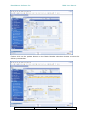
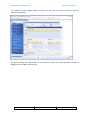
8.24.16.1 Screen Fields Description
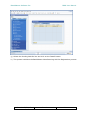
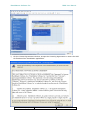
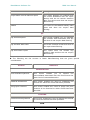
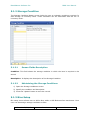
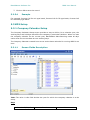
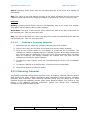
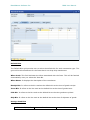
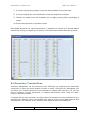
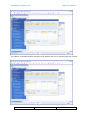
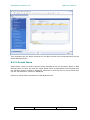
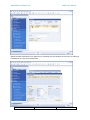
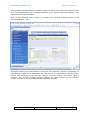
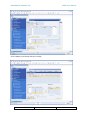
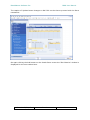
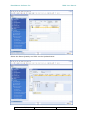
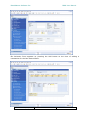
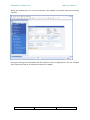
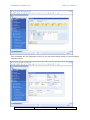
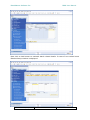
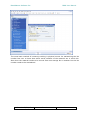
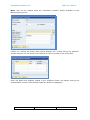
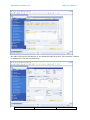
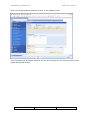
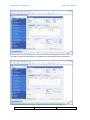
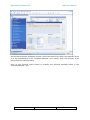
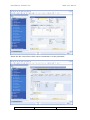
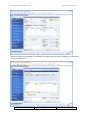
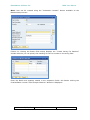
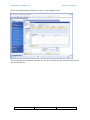
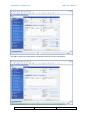
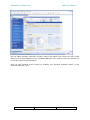
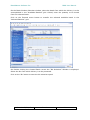
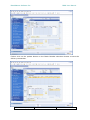
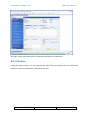
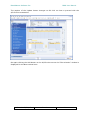
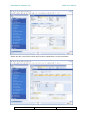
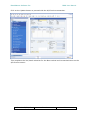
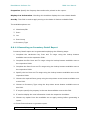
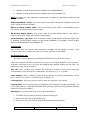
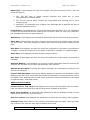
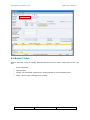
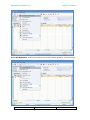
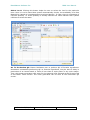
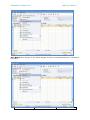
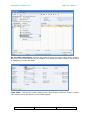
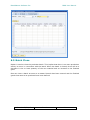
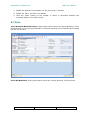
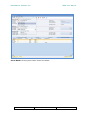
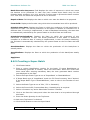
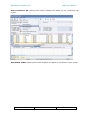
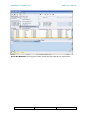
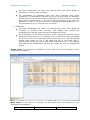
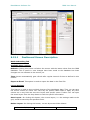
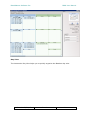
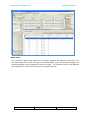
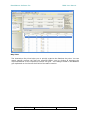
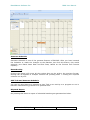
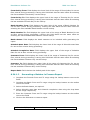
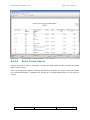
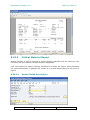
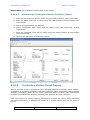
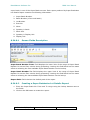
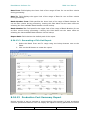
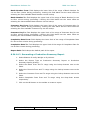
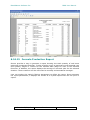
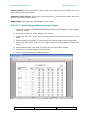
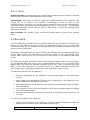
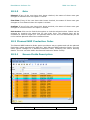
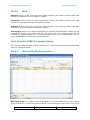
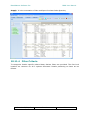
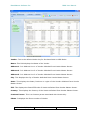
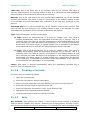
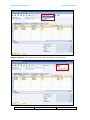
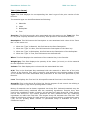
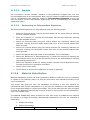
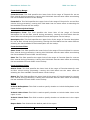
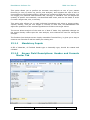
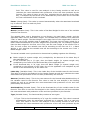
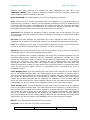
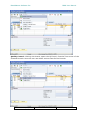
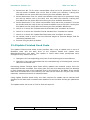
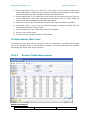
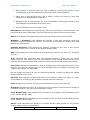
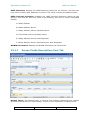
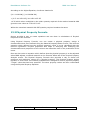
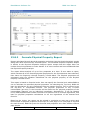
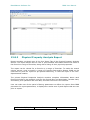
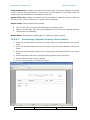
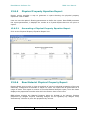
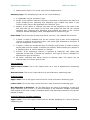
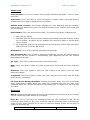
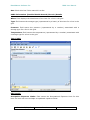
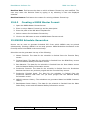
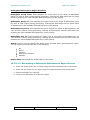
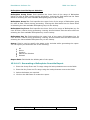
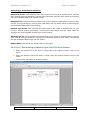
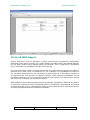
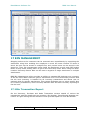
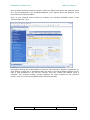
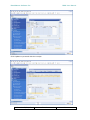
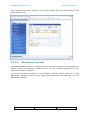
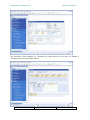
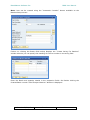
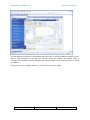
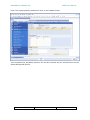
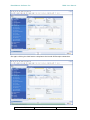
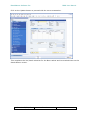
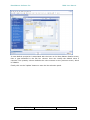
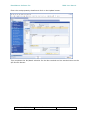
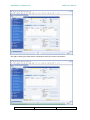
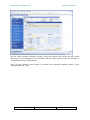
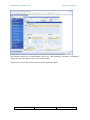
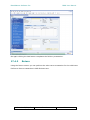
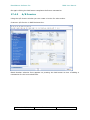
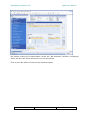
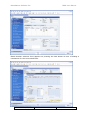
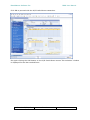
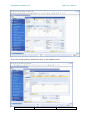
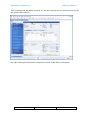
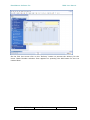
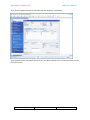
Report can be engender with the subsequent preferences
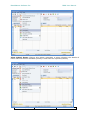
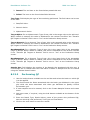
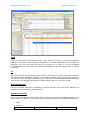
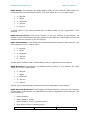
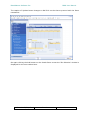
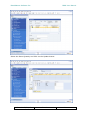
1. Batch -can be made without future receipts
2. Batch -can be made considering future receipts
3. Batch –cannot be made even if receipts are considered
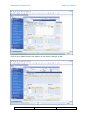
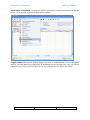
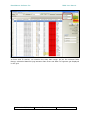
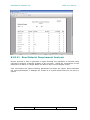
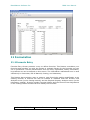
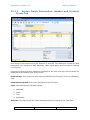
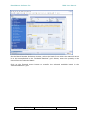
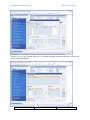
4. Batch –Item Shortage Report
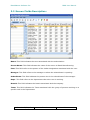
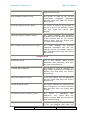
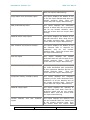
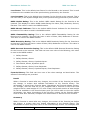
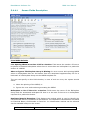
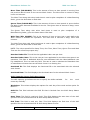
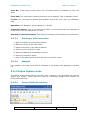
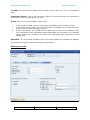
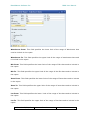
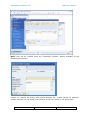
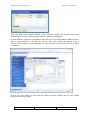
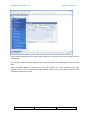
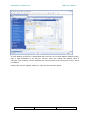
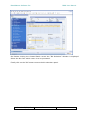
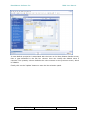
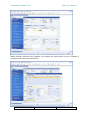
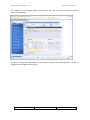
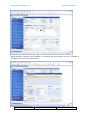
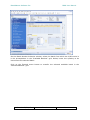
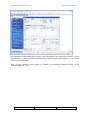
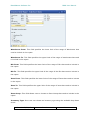
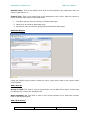
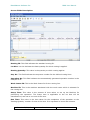
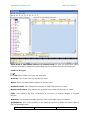
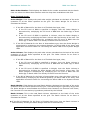
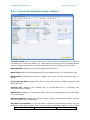
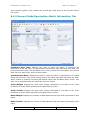
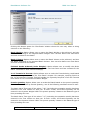
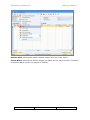
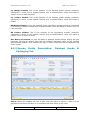
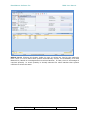
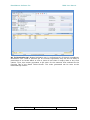
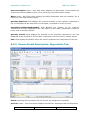
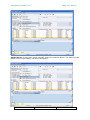
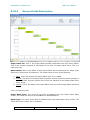
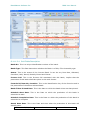
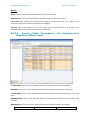
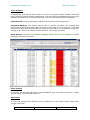
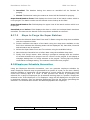
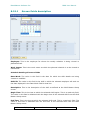
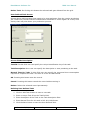
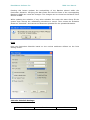
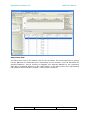
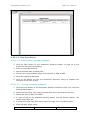
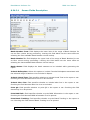
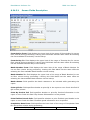
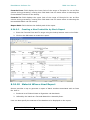
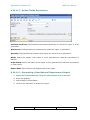
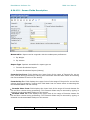
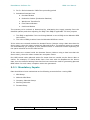
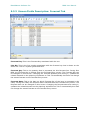
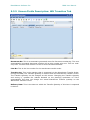
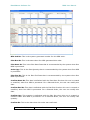
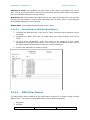
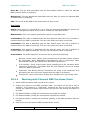
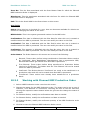
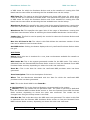
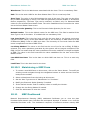
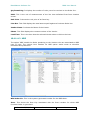
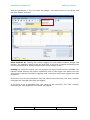
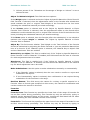
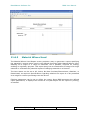
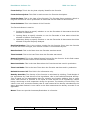
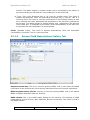
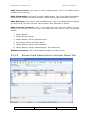
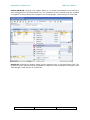
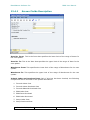
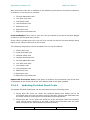
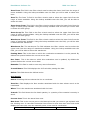
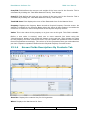
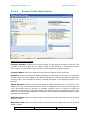
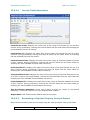
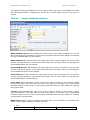
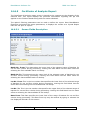
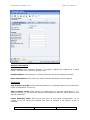
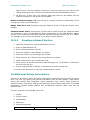
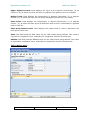
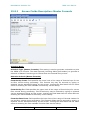
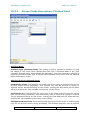
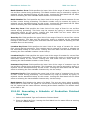
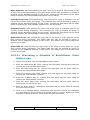
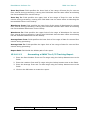
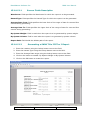
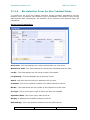
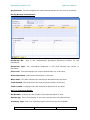
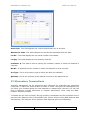
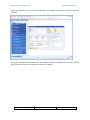
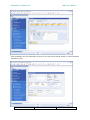
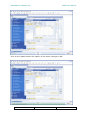
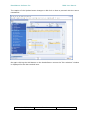
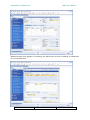
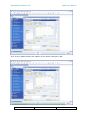
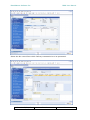
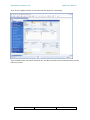
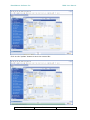
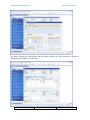
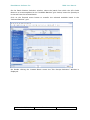
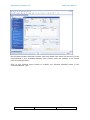
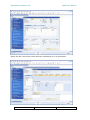
Batch Number From: Field displays the lower limit of the range of Batch Number for
use as filter criteria during processing. Leaving this field blank has the same effect as
selecting the first available Batch Number via the lookup.
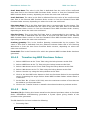
Batch Number To: Field displays the upper limit of the range of Batch Number for use
as filter criteria during processing. Leaving this field blank has the same effect as
selecting the last available Batch Number via the lookup.
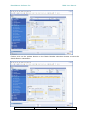
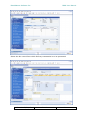
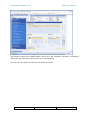
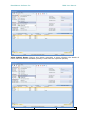
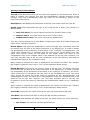
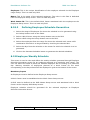
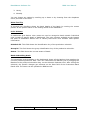
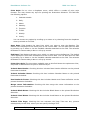
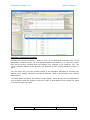
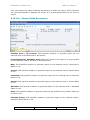
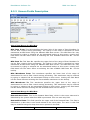
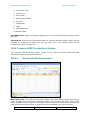
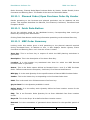
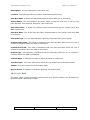
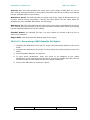
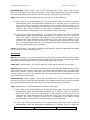
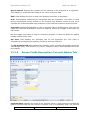
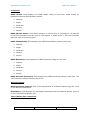
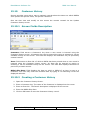
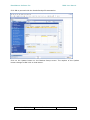
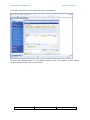
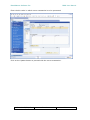
Batch Like: This field is used to specify the text of the batch number to be included in
the report.
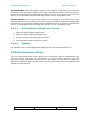
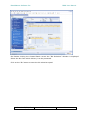
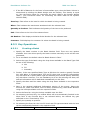
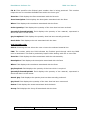
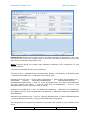
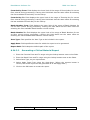
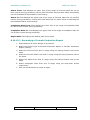
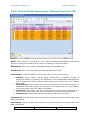
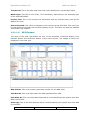
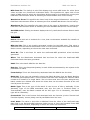
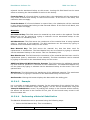
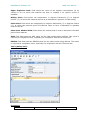
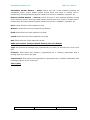
Schedule Start Date: Field displays the lower limit of the range of Schedule start Date
for use as filter criteria during processing.
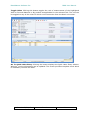
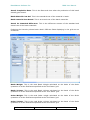
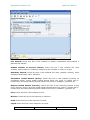
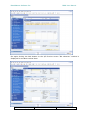
Schedule Start Date To: Field displays the upper limit of the range of Schedule Start
Date for use as filter criteria during processing.
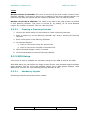
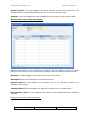
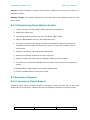
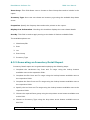
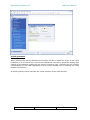
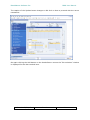
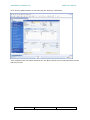
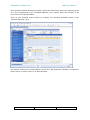
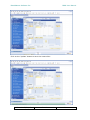
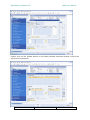
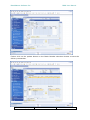
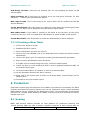
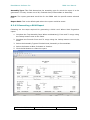
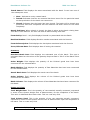
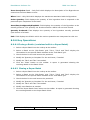
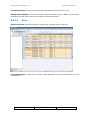
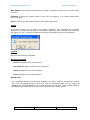
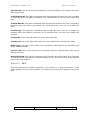
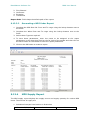
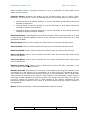
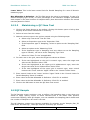
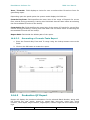
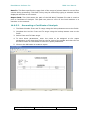
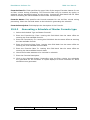
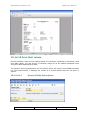
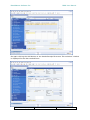
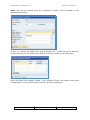
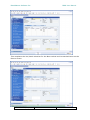
Report Path: Field clasps the default path of the report.
Doc. No. F/DV/15
Rev.No.
Date