1
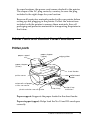
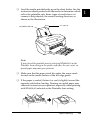
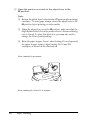
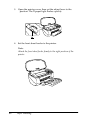
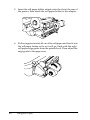
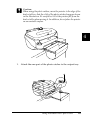
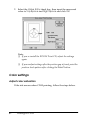
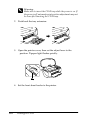
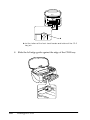
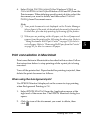
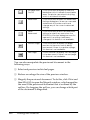
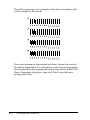
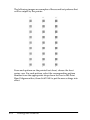
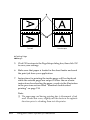
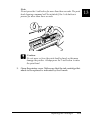
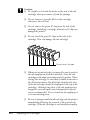
❏ The edge guide is set properly along the side of the CD-R tray.
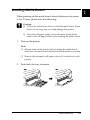
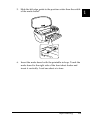
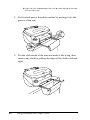
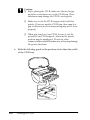
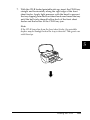
❏ The CD-R tray is inserted firmly until the hollow of the CD-R
tray and the hollow of the front sheet feeder join.
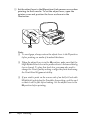
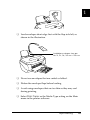
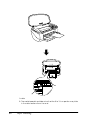
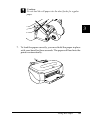
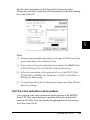
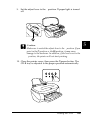
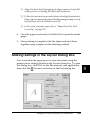
❏ The adjust lever was switched from the position to the
position after inserting the CD-R tray.
❏ The m paper button was pressed after switching the adjust
lever.
Printer Does Not Print
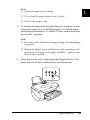
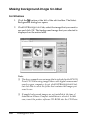
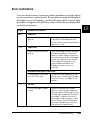
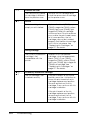
If the printer does not print, see if the status of your printer’s lights
is listed below, then try the solutions listed.
❏ All lights are off
❏ Lights came on and then went out
❏ Only the power light is on
❏ The m paper out light is flashing or on
❏ One of the ink out lights is flashing or on
❏ Ink out lights are on and the other lights are flashing
All lights are off
Try one or more of these solutions:
❏ Press the P power button to make sure that the printer is on.
317
Troubleshooting