1
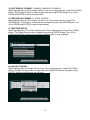
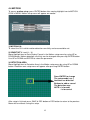
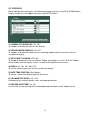
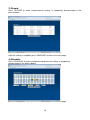
3) DATE DISPLAY FORMAT: YY/MM/DD, MM/DD/YY, DD/MM/YY
Move Highlight icon to Date Display Format in the Time setup menu by using UP or DOWN
button. Date Display Format can be changed after pressing ENTER button. Use UP or
DOWN and ENTER to select the parameter.
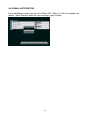
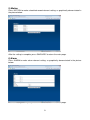
4) TIME DISPLAY FORMAT: 12 HOUR, 24HOUR
Move Highlight icon to Time Display Format in the Time setup menu by using UP or
DOWN button. Time Display Format can be changed after pressing ENTER button. Use
UP or DOWN and ENTER to select the parameter.
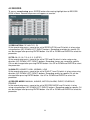
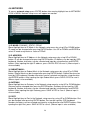
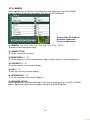
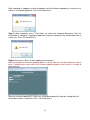
5) TIME ZONE SETUP:
Move Highlight icon to Time Zone Setup in the Time setup menu by using UP or DOWN
button. Time Zone Setup can be changed after pressing ENTER button. Use UP or
DOWN and ENTER to select the parameter.(Mouse input is also available)
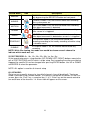
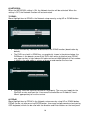
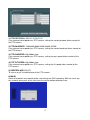
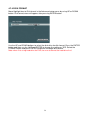
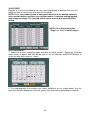
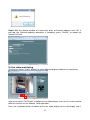
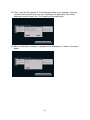
6) DAYLIGHT SAVING
Move Highlight icon to Daylight Saving in the Time setup menu by using UP or DOWN
button. Daylight Saving can be changed after pressing ENTER button. Daylight saving
ON/OFF and start-end time can be set here.
21