1
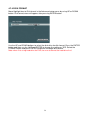
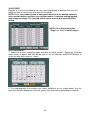
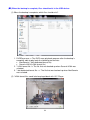
(II) When the formatting is complete, backup the recorded historic data :
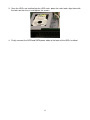
(1) Insert the USB device into the USB Port in front of the DVR.
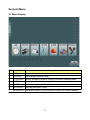
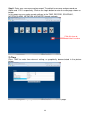
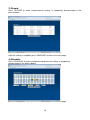
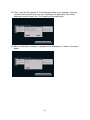
(2) Enter Menu => Advanced => Search & Backup
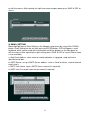
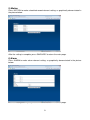
(3) When the USB device is properly inserted, the USB Disk will appear in the Backup
to Media column.
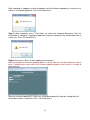
(4) Next, select the backup file type: NonGeneric (dedicated format) or Generic-H264
(h.264 format)
62