1
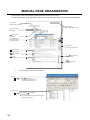
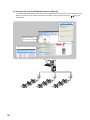
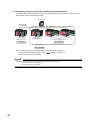
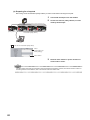
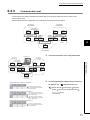
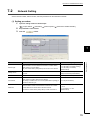
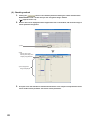
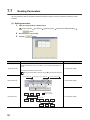
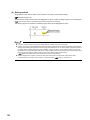
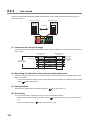
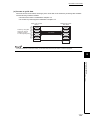
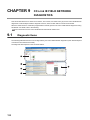
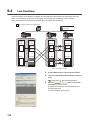
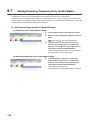
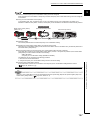
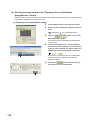
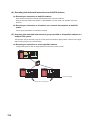
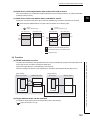
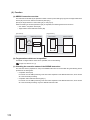
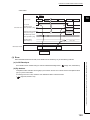
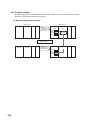
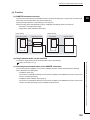
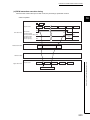
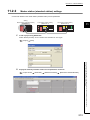
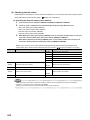
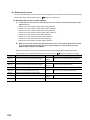
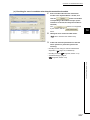
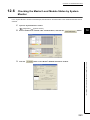
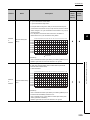
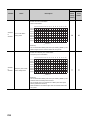
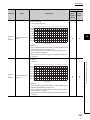
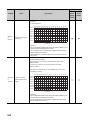
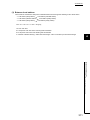
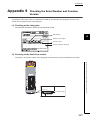
(b) Checking CC-Link IE Field Network status graphically
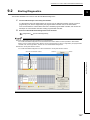
CC-Link IE Field Network status can be checked using GX Developer. Error locations, error causes, and event
history are displayed on the window. This allows the system to quickly recover from errors. (
CHAPTER 9)
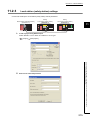
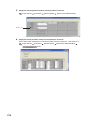
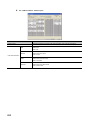
Displays error details
Displays the status of
CC-Link IE Field Network
Displays the network event history
26
Page 124,