1
Chapter
4
μC/Probe Settings
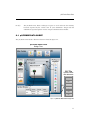
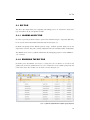
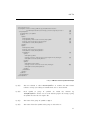
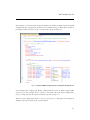
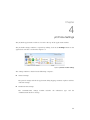
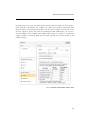
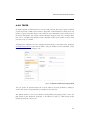
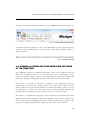
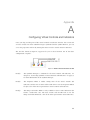
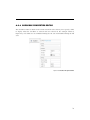
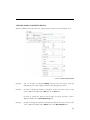
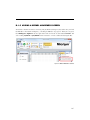
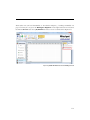
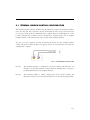
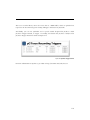
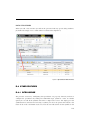
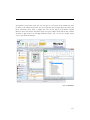
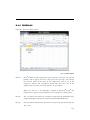
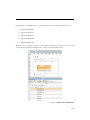
The μC/Probe application’s tool bar is located at the top of the application window.
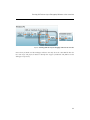
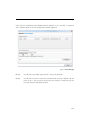
The μC/Probe Settings window is opened by making click on the Settings button in the
application’s tool bar as indicated in Figure 4-1:
Figure 4-1 μC/Probe Toolbar: Settings
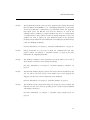
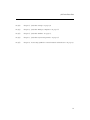
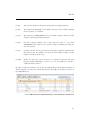
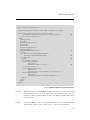
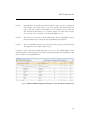
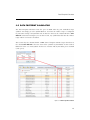
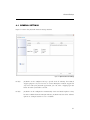
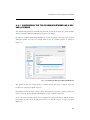
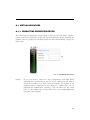
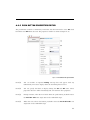
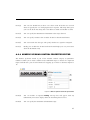
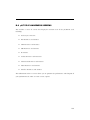
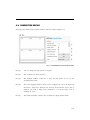
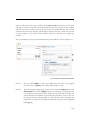
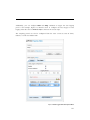
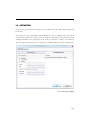
The settings window is divided in the following categories:
■
General Settings:
The general settings include the application debug logging, automatic updates and data
collection settings.
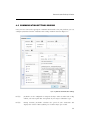
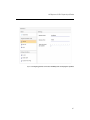
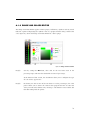
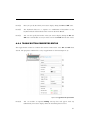
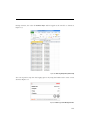
■
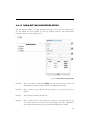
Communication Settings:
The communication settings window includes the endianness type and the
communication interface settings.
30