1
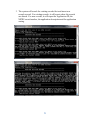
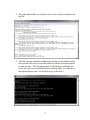
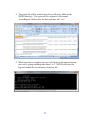
8. The report file will be written in to the nexisReports folder in the
NEXIS directory. The report will be written to a file named
“nexisReports” followed by the date and time and “.csv”
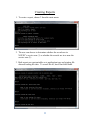
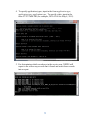
9. When an action is complete, the user will return to the main menu and
can exit by typing anything other than 1 or 2. NEXIS will close the
log and remind the user the name of the log file.
11