1
4.5 - Operation
4.5.6
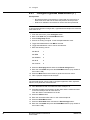
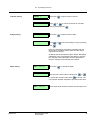
Check Events Log
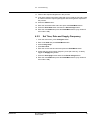
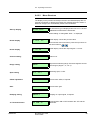
1. Press Misc. button.
2. Press Alarm & diagnostics button.
3. Enter code 5400 and press Enter/Menu button.
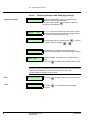
4. Press Show log button.
Here you will find the latest 40 alarms or events stored.
5. Press Prev to scroll backwards in the list.
4.5.7
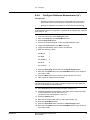
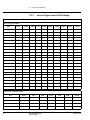
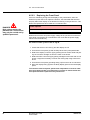
Check Range Selection on the JCT-1100
NOTE!
Mode = Range
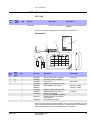
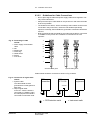
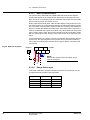
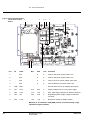
1. Check that the transmitter cable inside the JCT-1100 box is connected to
J1 (Range-inputs).
2. On the JCT-1100 communication must be ON.
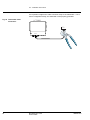
3. Short-circuit the JCT-1100 between Gnd and Range A(C), the Range in the
main menu on SPC-1000 will change from ”1” to ”2”.
32
BT-5400 Operation Instructions
© BTG 2007
M2067/1en