1
8.3
Troubleshooting your image (For GigE Camera Models)
This section contains images that illustrate the effects of common configuration problems.
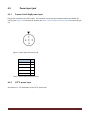
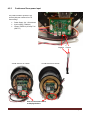
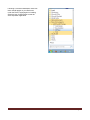
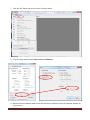
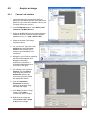
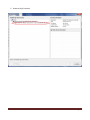
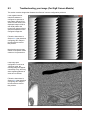
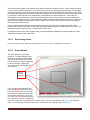
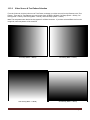
If the Gigabit Ethernet
interface hardware is
configured to generate a
test pattern instead of live
video from the camera, the
displayed images will be a
saw-tooth pattern that
moves from right to left at a
speed that depends on the
configured image size.
Follow the instructions in
Section 8.2.2 that describes
configuring GEV Player in
Unicast mode to resolve
this problem.
Note that the camera may
default to test pattern mode
each time it is powered on.
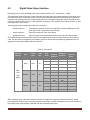
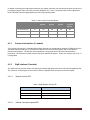
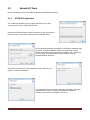
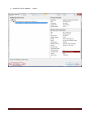
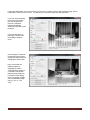
If the image pixel
configuration is not set to
14 bits per pixel, the
resulting image will appear
excessively noisy, and may
show repeating patterns in
areas of low contrast.
Follow the instructions in
Section 8.2.2 that describes
configuring GEV Player in
Unicast mode to resolve
this problem.
Page 51