1
B
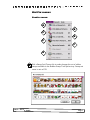
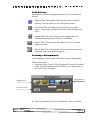
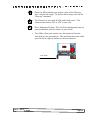
Pick Hidden Pictures: Hidden pictures are created with the eraser
tool. Click the Eraser tool then the mystery button and start
erasing. A picture will slowly appear. Click on the ‘Mystery’ button
again to change the hidden picture.
C
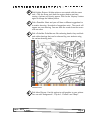
Pick a DrawMe: Select and you will hear a different suggestion for
a creative drawing. Hundreds of suggestions exist. The words will
appear on your drawing. You can erase the words from the screen
with an eraser
D
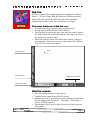
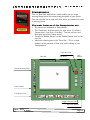
Pick a ColorMe: ColorMes are like colouring books, they are black
and white drawings that can be coloured by your students using
the various drawing tools.
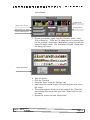
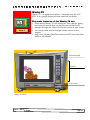
ColorMe Screen
E
CSLP — Kid Pix Studio
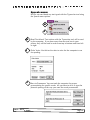
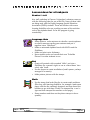
Pick More Pictures: Use this option to add graphics to your picture.
You can add ‘Backgrounds’, ‘Clip Art’, ‘Cutouts’ and ‘Maps’.
Page 8