1
USER MANUAL
PPKL4-G - V2.8
3.3.2.3 EDIT A TIMING
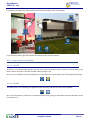
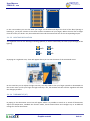
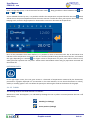
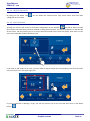
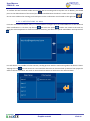
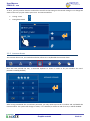
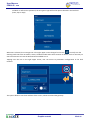
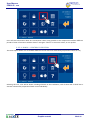
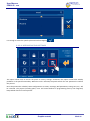
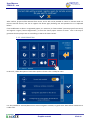
To edit an existing timing on the PPKL4-G, it is necessary to select it from the vertical list on the left side of the
screen.
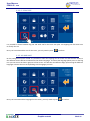
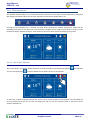
Once it is selected, if we press the icon
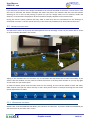
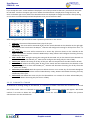
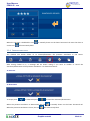
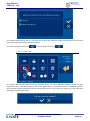
, the same window we use to add a timing will drop down. On this
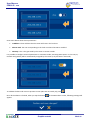
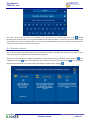
screen we can add or delete timings for the previously selected event by means of the repetition levels as
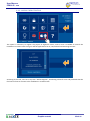
explained in section “3.3.3.1 Add a timing”. To accept changes press
or
to discard them.
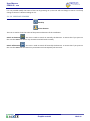
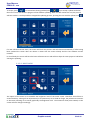
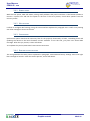
3.3.2.4 ACTIVATE/DEACTIVATE A TIMING
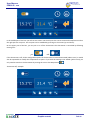
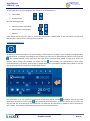
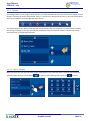
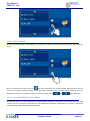
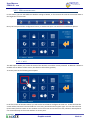
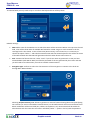
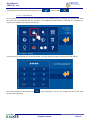
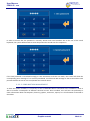
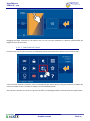
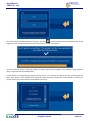
The PPKL4-G allows to activate/deactivate a timing without deleting it. This option is interesting when you need
a timing not to be temporary executed, but you would like to keep the configuration to recover it afterwards
without having to edit all steps mentioned before.
Graphic controls
20 de 41