1
USER MANUAL
PPKL4-G - V2.8
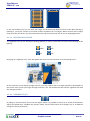
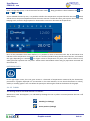
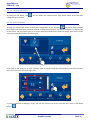
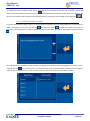
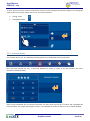
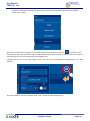
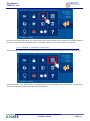
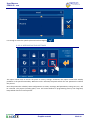
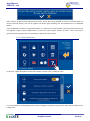
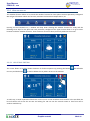
Dragging the finger vertically on the yellow area, we can increase (upwards) or decrease (downwards) the
brightness level of the screen.
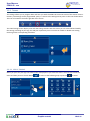
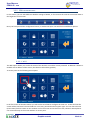
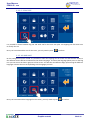
3.3.5.7 TIME ZONE SETTINGS
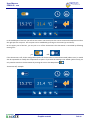
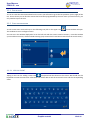
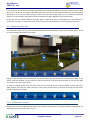
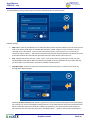
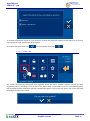
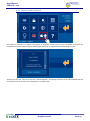
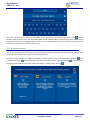
From here you can set your time zone. It will display several cities names from which you must select yours.
If the panel has internet connection, time is automatically get from Internet, being just necessary to define the
time zone where screen is installed, to adapt it to the international time.
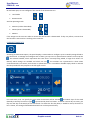
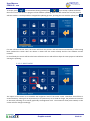
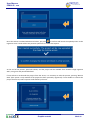
This tool has a searcher to not have to go over the full list, and being possible to select directly the specific place.
Graphic controls
32 de 41