1
1
5
2
3
4
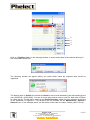
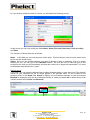
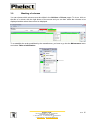
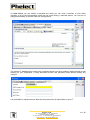
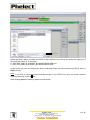
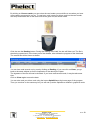
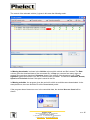
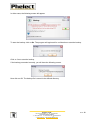
Click on « DigiSave (zip) » in the following window, to export all the data of the selected driver(s) in
the compressed format .zip.
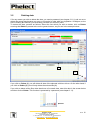
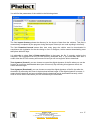
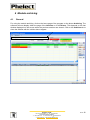
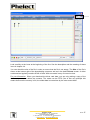
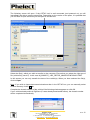
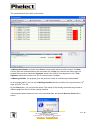
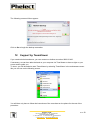
The following window will appear asking you under which name the exported data should be
registered.
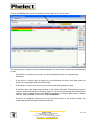
The default name is Vehicle for vehicles and Card for driver cards followed by the date starting by the
year (20060726 = 26/07/2006). You can of course give another name to your file. Now click on Export
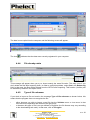
to create the file. The file will be saved in the Export Directory, which you have selected at the time
of the installation of DigiSave+. This directory can be modified via the Maintenance / Options /
General menu. In the example above, the file will be saved under the name ‘Vehicle_20071115.zip’.
PHELECT SPRL
Rue des Trois Entités, 15 – Z.I. des Plénesses
4890 THIMISTER/CLERMONT
℡ +32 87/56 02 74 - +32 87/55 26 39 - ) 0439.839.075
www.phelect.be - [email protected]
V3.0
5