1
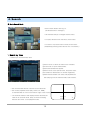
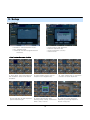
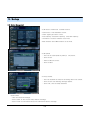
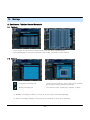
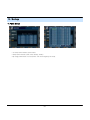
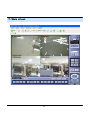
3. Display
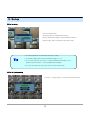
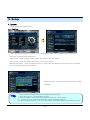
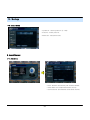
4. PTZ/FOCUS Control
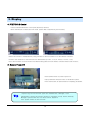
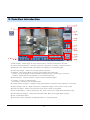
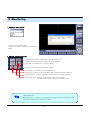
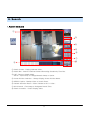
• Control Camera Movement of PTZ (Pan/Tilt/Zoom) devices.
• Press PTZ Button to switch into PTZ mode. (Status Bar is replaced by PTZ controls)
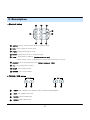
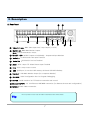
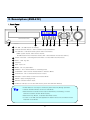
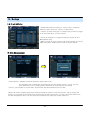
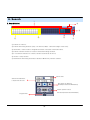
• Each PTZ function is manipulated by using a button on the Front Panel or on the Remote controller.
• Some of the notations on the PTZ menu are abbreviated. (P: Pan, T: Tilt, Z: Zoom, F: Focus, I: Iris)
• All of the functions on the PTZ menu are labeled along with the Front Panel/ Controller button that control it.
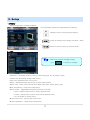
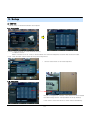
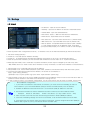
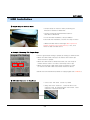
5. System Power Off
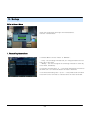
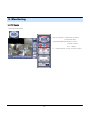
• Press power button to power system off.
• Input password and press enter to shutdown system.
• Don’t disconnect AC power without completing shutdown.
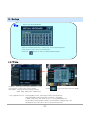
Tip
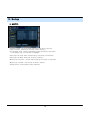
• System Log-On User Account Types are ‘Administrator’, ‘Manager’, ‘User’
Administrator: Access All Function (Power On, Shutdown, Setup, Search, Backup)
Manager: System Power On, Live View, Search, Playback
User: System Power on and Live View
13