1
5. Monitoring
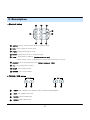
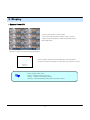
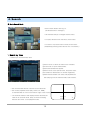
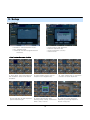
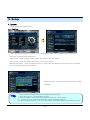
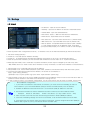
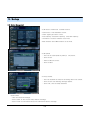
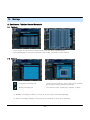
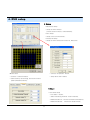
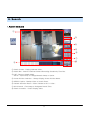
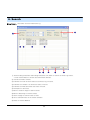
1. Selection Network I/D
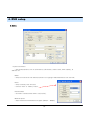
• Select I/D to Connect Server.
• I/D can be Added, Changed, and Deleted at
Setup.
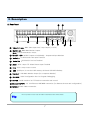
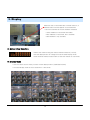
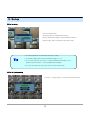
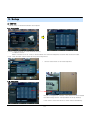
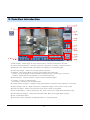
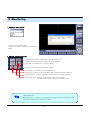
2. Screen Division Selection
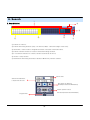
• Single Channel View : Display the selected channel only.
(Select a channel using the Camera Selection Buttons)
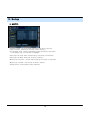
• 4ch View : 4-Channel (2 x 2) Division Mode
• 9ch View : 9-Channel (3 x 3) Division Mode
• 16ch View : 16-Channel (4 x 4) Division Mode
• Sequence : Single Channel View Mode, with Channel Rotation Sequence
• Manual switch : Show Screen Mode One by One by clicking manually.
• Full Screen View : Present Channel View in Full Screen Mode
(Double-Click mouse to Return to Previous View)
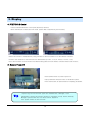
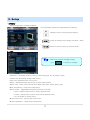
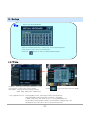
Tip
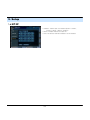
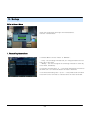
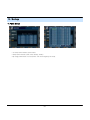
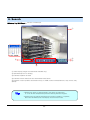
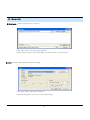
※ Multi DVR Client
• 4EA DVRs can be controled by the live view, search the data, backup data and
setup about each channel at the same time.
14