1
430
CHAPTER 9
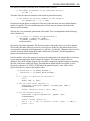
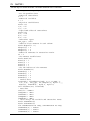
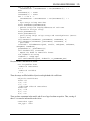
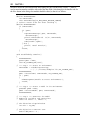
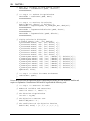
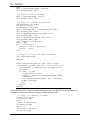
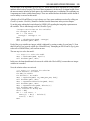
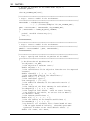
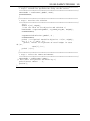
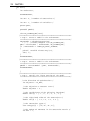
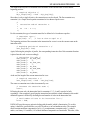
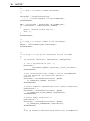
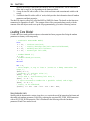
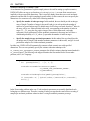
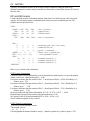
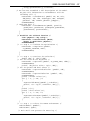
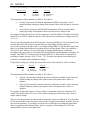
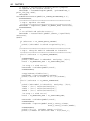
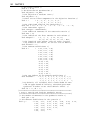
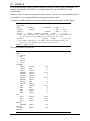
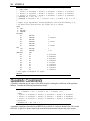
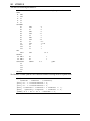
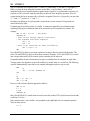
The code for MyCallback may be found in callback.bas, which is displayed below.
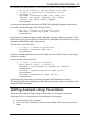
Public Function MyCallback(ByVal model As Long, _
ByVal loc As Long, ByRef myData As Long) As Long
Dim it As Long
Dim ob As Double
Call LSgetCallbackInfo(model, loc, LS_IINFO_SIM_ITER, it)
Call LSgetCallbackInfo(model, loc, LS_DINFO_POBJ, ob)
MsgBox "In MyCallback" & vbCrLf & "Iteration: " _
& it & vbCrLf & "Objective value: " & ob
MyCallback = 0
End Function
\lindoapi\samples\vb\samp2\callback.bas
This file was included to the project by issuing the Project|Add Module command in Visual Basic. As
with the previous C example, this callback function makes two calls to the LINDO API routine
LSgetCallbackInfo() to retrieve the current iteration number and the objective value. The callback
function returns a 0 to indicate the solver is to continue. Alternatively, a –1 may be returned to
interrupt the solver.
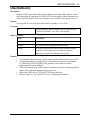
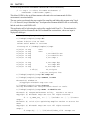
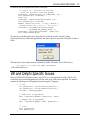
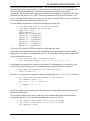
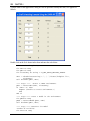
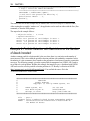
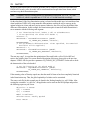
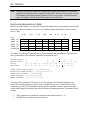
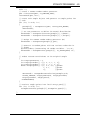
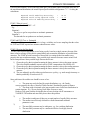
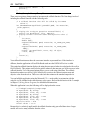
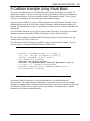
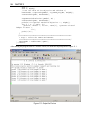
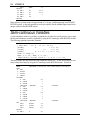
When this application is run, the callback function should display a dialog box as follows:
Integer Solution Callbacks
In addition to the standard callback routine discussed above, LINDO API also has the ability to
callback your code each time a new integer solution is found. Among other things, this will allow you
to keep users of your application posted on the current best integer solution found so far. Given that
large integer models can take quite some time to solve, you may want to use the callback function’s
ability to interrupt the solver. When LINDO API is interrupted on an integer model, it will restore the
best integer solution before returning to your code. The incumbent solution may then be retrieved
using normal means.
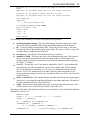
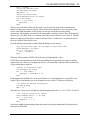
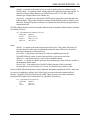
The technique for setting up your MIP callback function should look familiar because it is very similar
to the technique used above for setting up a standard callback function. To set up your MIP callback,
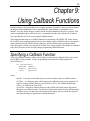
you pass its address to LSsetMIPCallback(). Using C programming conventions, the calling sequence
for LSsetMIPCallback() is:
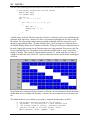
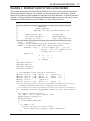
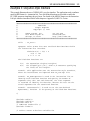
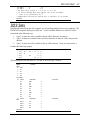
void LSsetMIPCallback(
pLSmodel pModel,
MIP_callback_t pMIPCallback,
void* pUserData
)