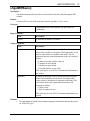
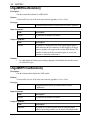
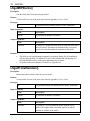
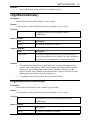
1
586
APPENDIX C
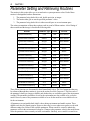
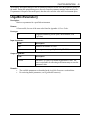
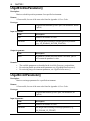
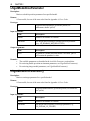
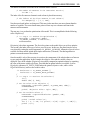
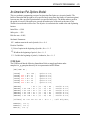
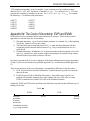
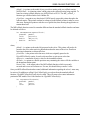
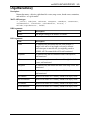
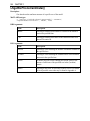
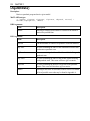
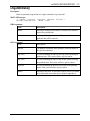
Only five operators are recognized: plus (+), minus (-), greater than (>), less than (<), and equals (=).
When you enter the strict inequality operators greater than (>) and less than (<), they will be
interpreted as the loose inequality operators greater-than-or-equal-to (≥) and less-than-or-equal-to (≤),
respectively. This is because many keyboards do not have the loose inequality operators. Even for
systems having the loose operators, they will not be recognized. However, if you prefer, you may enter
“>=” (and “<=”) in place of “>” (and “<”).
Parentheses as indicators of a preferred order of precedence are not accepted. All operations are
ordered from left to right.
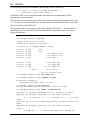
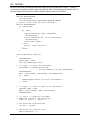
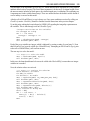
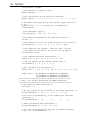
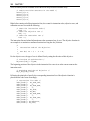
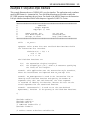
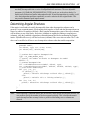
Comments may be placed anywhere in a model. A comment is denoted by an exclamation mark.
Anything following an exclamation mark on the current line will be considered a comment. For
example:
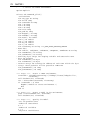
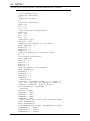
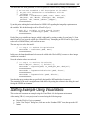
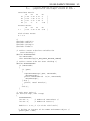
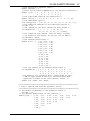
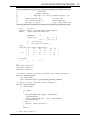
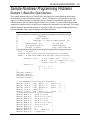
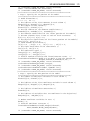
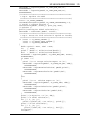
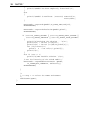
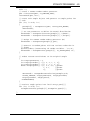
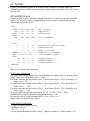
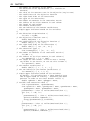
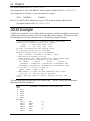
MAX 10 STD + 15 DLX
! Max profit
SUBJECT TO
! Here are our factory capacity constraints
! for Standard and Deluxe computers
STD < 10
DLX < 12
! Here is the constraint on labor availability
STD + 2 DLX < 16
END
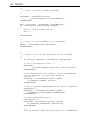
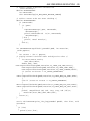
LSreadLINDOFile() allows you to input comments, but they will not be stored with the model. The
call to LSreadLINDOFile() does not store these comment. Therefore, if LSwriteLINDOFile() is called
later, an equivalent model will be written, but the comments will be removed.
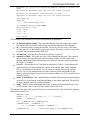
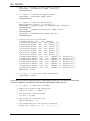
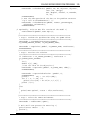
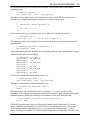
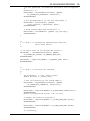
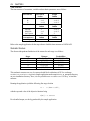
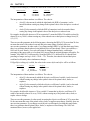
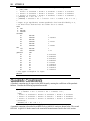
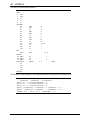
Constraints and the objective function may be split over multiple lines or combined on single lines.
You may split a line anywhere except in the middle of a variable name or a coefficient. The following
would be mathematically equivalent to our example (although not quite as easy to read):
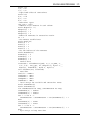
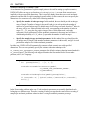
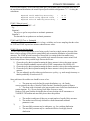
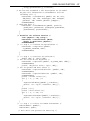
MAX
10
STD
+ 15 DLX
STD
<
10
dlx < 12 STD + 2
dlx < 16 end
SUBJECT TO
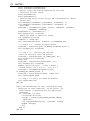
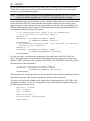
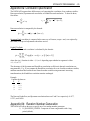
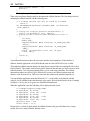
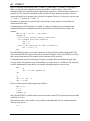
However, if the objective function appeared as follows:
MAX 10 ST
D + 1
5 DLX
SUBJECT TO
then LSreadLINDOFile() would return an error because the variable STD is split between lines and the
coefficient 15 is also.
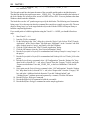
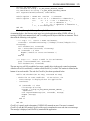
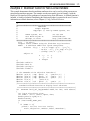
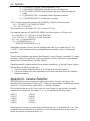
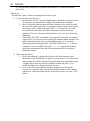
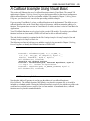
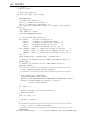
Only constant values—not variables—are permitted on the right-hand side of a constraint equation.
Thus, an entry such as:
X > Y