1
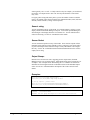
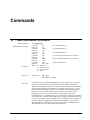
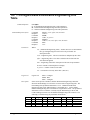
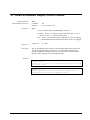
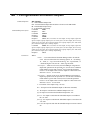
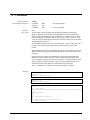
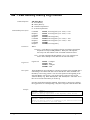
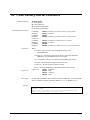
‘CC’ – Configure/Read Clock
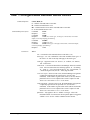
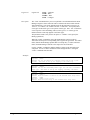
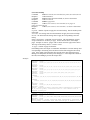
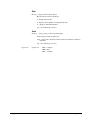
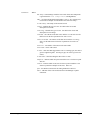
Command Options
CC<S[F|S]|R>
SF – clear the Historical and Event Logs and set the Point Manager clock
SS – synchronize the Point Manager clock
S – set the Point Manager clock
R – read the current clock setting
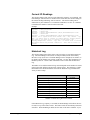
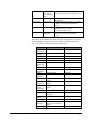
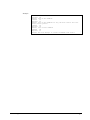
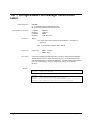
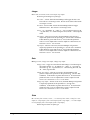
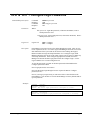
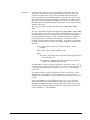
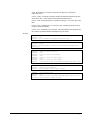
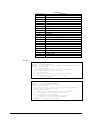
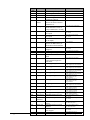
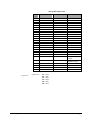
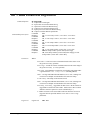
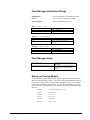
Command/Response Syntax
Parameters
Command:
Response:
Command:
Response:
Command:
Response:
Command:
Response:
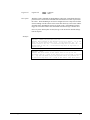
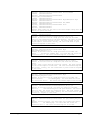
CCSmmddyyhhnnss
CCSmmddyyhhnnss
CCSFmmddyyhhnnss
CCSFmmddyyhhnnss
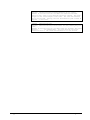
CCSSmmddyyhhnnss
CCSSmmddyyhhnnss
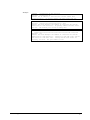
CCR
CCR,mmddyyhhnnss,syncflag
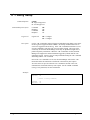
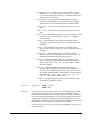
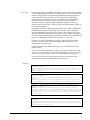
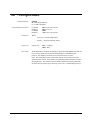
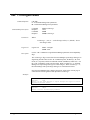
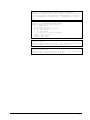
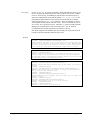
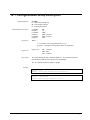
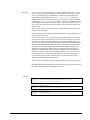
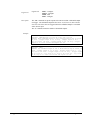
Where:
mmddyyhhnnss – date and time to set the clock or the date and time of the read
clock
syncflag – Has the Point Manager been syncronized with an SNTP service? “T”
– yes, the clock has been updated ; “F”- either SNTP is not being used,
there was a failure to get time from the SNTP service, or cannot set clock
because too much difference in time.
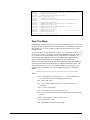
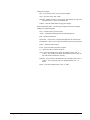
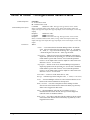
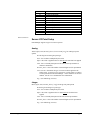
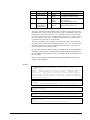
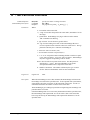
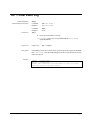
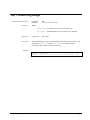
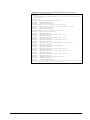
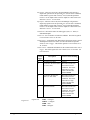
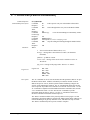
Login Level
Point Manager Manual
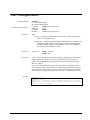
Login Level:
CCS – Configure
CCSF – Configure
CCSS – Configure
CCR – Data
Commands • 73