1
STP 1-15P14-SM-TG
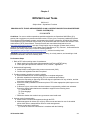
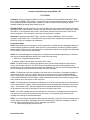
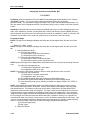
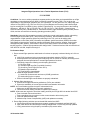
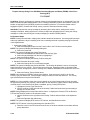
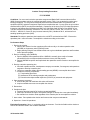
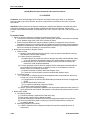
Performance Steps
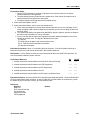
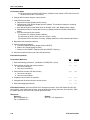
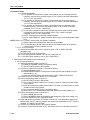
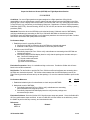
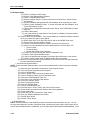
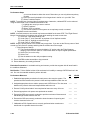
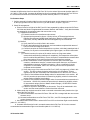
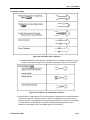
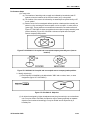
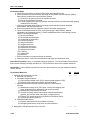
(6) Click Save As.
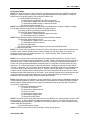
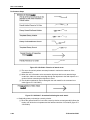
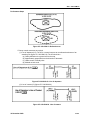
b. Night Visions Device Usage Report.
(1) Click on Reports on the toolbar.
(2) Click Night Visions Device Usage.
(3) Select a single Aviator from the list.
(4) Select the Date Range.
(5) Click Generate Report.
(6) Click Save As.
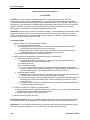
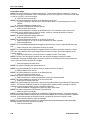
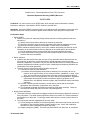
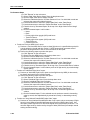
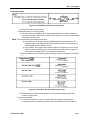
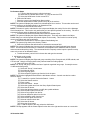
c. Individual flight hours report.
(1) Click on Reports on the toolbar.
(2) Click Individual Flight Hours.
(3) Select a single Aviator from the list.
(4) Select the Date Range.
(5) Click Generate Report.
(6) Click Save As.
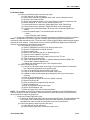
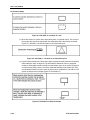
d. Record status report (RSR).
(1) Click on Reports on the toolbar.
(2) Click on Record Status.
(3) Select a single Aviator from the list.
(4) Select the Date Range.
(5) Click Generate Report.
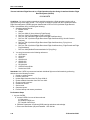
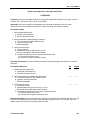
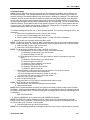
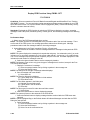
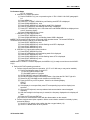
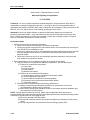
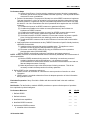
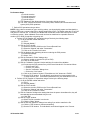
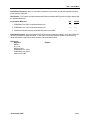
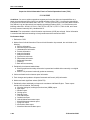
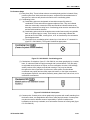
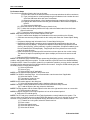
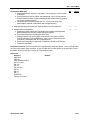
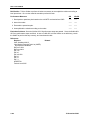
11. Backup and restore CAFRS.
a. Click Backup/Restore On the Tools menu.
b. Select either Backup or Restore.
c. Click the folder icon to select or restore data destination/source.
d. Select your destination from the Browse dialog display and click OK.
(1) The backup or restore process starts and is indicated by the hourglass.
(2) A Database Backup or Database Restore dialog displays signifying the backup or restore
finish status.
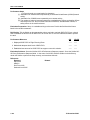
e. If performing backup, proceed as follows:
(1) Go to the destination you chose in step d.
(2) Make sure your backup file is in the place you designated.
f. If performing restore, proceed as follows:
(1) Verify the data from the CAFRS application.
(2) Check the date and size of the file to see if the restore completed successfully.
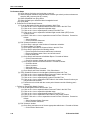
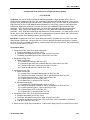
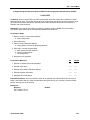
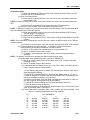
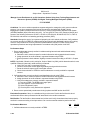
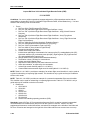
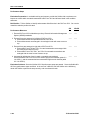
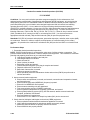
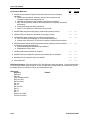
Evaluation Preparation: Setup: In a suitable training environment. Provide the Soldier with a computer
loaded with the CAFRS software and all items listed in the condition statement.
Brief Soldier: Tell the Soldier to process the individual flight records provided using CAFRS. Tell the
Soldier that the completed flight record is a historical record of the individual flying history and must be
completed without error. Go over the materials and equipment needed to perform this task.
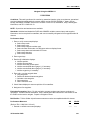
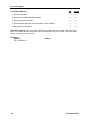
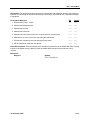
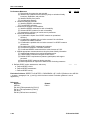
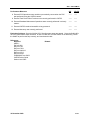
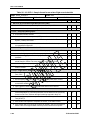
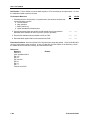
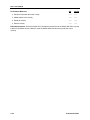
Performance Measures
GO
NO-GO
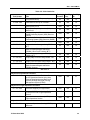
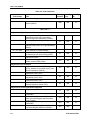
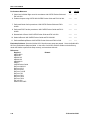
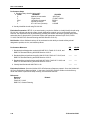
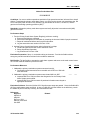
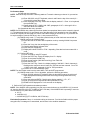
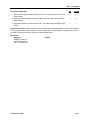
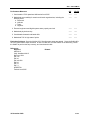
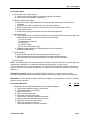
1. Created a new aviation personnel record in CAFRS.
——
——
2. Entered individual's flight records in CAFRS in accordance with CAFRS Pocket
Guide and FM 3-04.300.
——
——
3. Entered individual's flight information from DA Form 2408-12 into the CAFRS in
accordance with CAFRS Pocket Guide and FM 3-04.300.
——
——
4. Entered DA Form 4186 information into CAFRS IAW CAFRS Pocket Guide and
FM 3-04.300.
——
——
19 November 2009
3-39