1
PCadCam Software
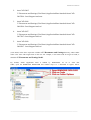
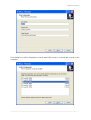
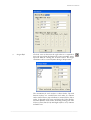
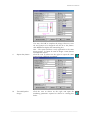
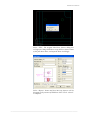
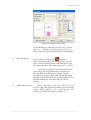
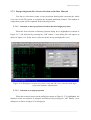
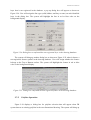
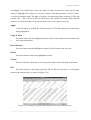
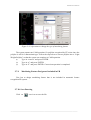
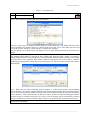
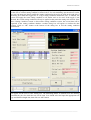
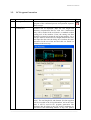
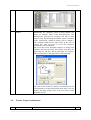
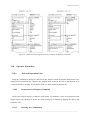
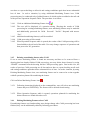
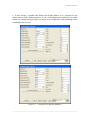
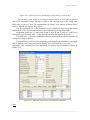
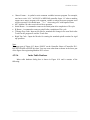
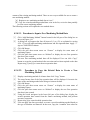
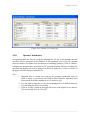
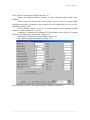
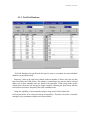
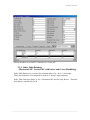
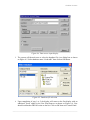
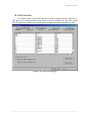
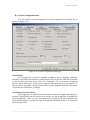
Figure 6-4. Data source input display
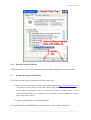
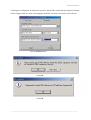
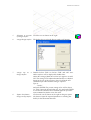
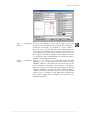
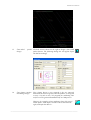
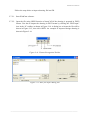
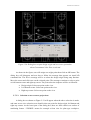
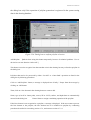
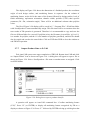
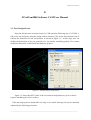
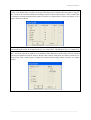
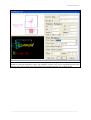
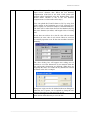
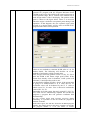
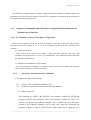
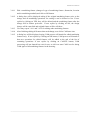
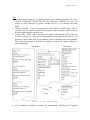
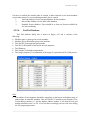
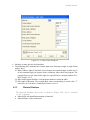
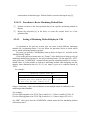
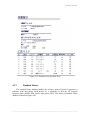
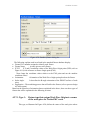
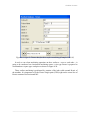
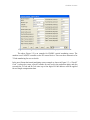
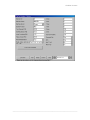
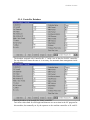
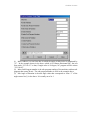
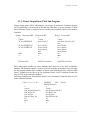
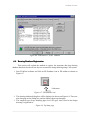
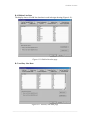
5. The system will then ask user to select the database file via a dialog box as shown
on Figure 6-5. Select database name “frcad.mdb” then click on OK button.
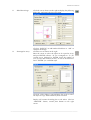
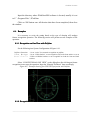
Figure 6-5. Database file selection
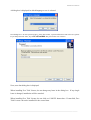
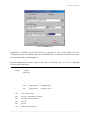
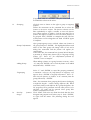
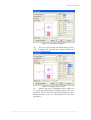
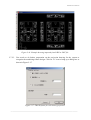
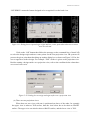
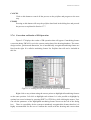
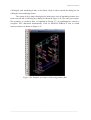
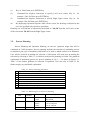
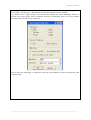
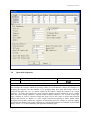
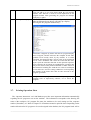
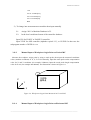
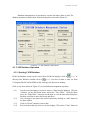
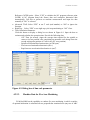
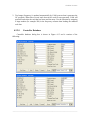
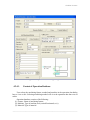
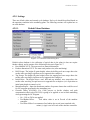
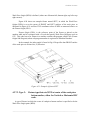
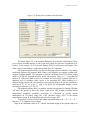
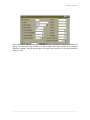
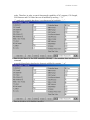
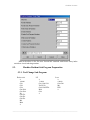
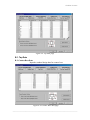
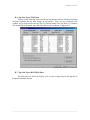
6. Upon completion of step 1 to 5; the display will return to the first display with an
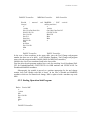
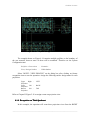
additional “frcad” added in the User Data Sources as shown on Figure 6-6. User
should confirm that FRCAD exists on the list. Click on OK then exit Control Panel.
――――――――――――――――――――――――――――――――――――――――――――