1
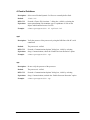
Stdio
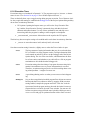
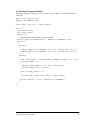
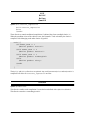
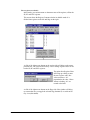
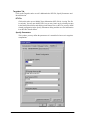
Select Stdio to activate or deactivate the Stdio window. The Stdio window displays output
from calls to printf(). If the program calls printf(), Dynamic C will activate the Stdio
window automatically if it is not already open, unless “Automatic open” is unchecked in the
Debug Windows dialog in Options | Environment Options.
Starting with Dynamic C 9, the various Find commands available on the Edit menu can be
used directly in the Stdio window.
Assembly (F10)
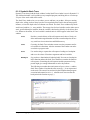
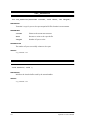
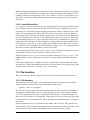
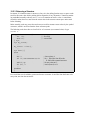
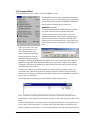
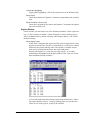
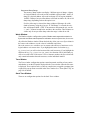
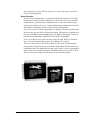
Select Assembly to activate or deactivate the Disassembled Code window. The Disassembled
Code window (aka., the Assembly window) displays machine code generated by the compiler
in assembly language format.
The Disassemble at Cursor or Disassemble at Address commands from the Inspect menu
also activate the Disassembled Code window.
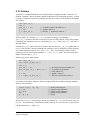
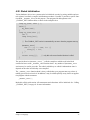
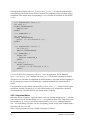
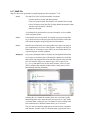
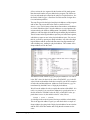
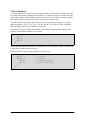
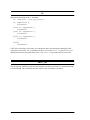
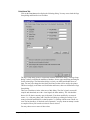
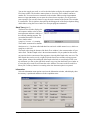
The Disassembled Code window displays Dynamic C statements followed by the assembly
instructions for that statement. Each instruction is represented by the memory address on the
far left, followed by the opcode bytes, followed by the mnemonics for the instruction. The last
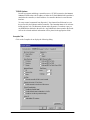
column shows the number of cycles for the instruction, assuming no wait states. The total
cycle time for a block of instructions will be shown at the lowest row in the block in the cycletime column, if that block is selected and highlighted with the mouse. The total assumes one
266
Dynamic C User’s Manual