1
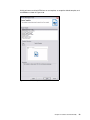
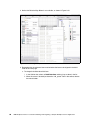
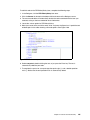
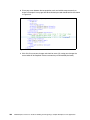
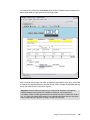
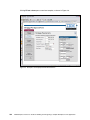
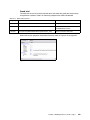
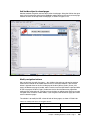
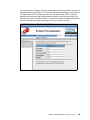
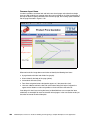
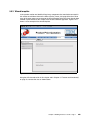
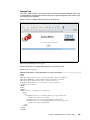
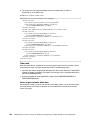
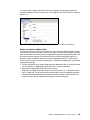
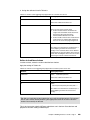
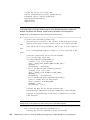
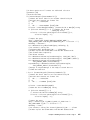
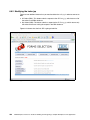
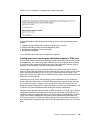
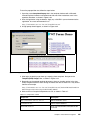
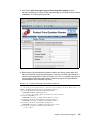
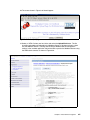
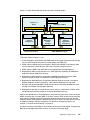
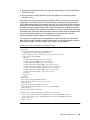
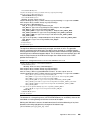
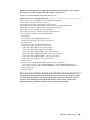
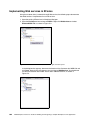
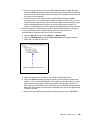
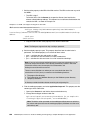
Deploying the sample servlet on a different application server The sample servlet is set up to be run on the same server as the Translator. If you want to run it on a different server, you must: 1. Modify the sample servlet. 2. Deploy the updated WAR file to your application server. 3. Set up the API to work with your application server. Modifying the sample servlet Before you can modify the sample servlet, you must ensure that you have a version of the Java Development Kit installed on your computer. This is used to update the WAR file once you have made changes to the servlet. To modify the sample servlet: 1. Locate the following file: <Webform Server Install Dir>/Samples/Servlet/SampleSrc.zip 2. Unzip the file. 3. In the unzipped directory, locate the following file: WEB-INF/web.xml 4. Open the file in a text editor and update the following init-params: – translatorLocation – logServerName – logServerPort For more information about these parameters, see “Configuring a Servlet” in the Webform Server Administration Manual. 5. Save your changes. 6. Run the createWAR.bat file in the root of the unzipped directory. This creates a new WAR file called Sample.war that contains the sample servlet. Deploying the sample servlet To deploy the sample servlet you must install the WAR file that you just created on your application server. For more information about installing a WAR file, refer to the documentation for the application server you are using. Setting up the API This process varies depending on the application server you are using. Using the sample servlet The sample servlet provides a simple interface for working with forms on a server. Using this application you can: Open a blank form in XFDL or HTML. Submit a completed form. Open a previously submitted form in XFDL or HTML. The following sections explain the functionality of the servlet. Starting the servlet To start the sample servlet, open a browser and go to the following URL: http://<server name>:<port>/Samples (The default is http://localhost:8085/Samples.) Chapter 7. Zero Footprint with Webform Server 463