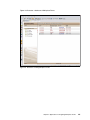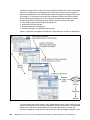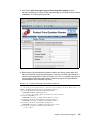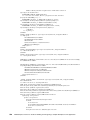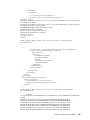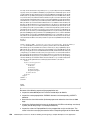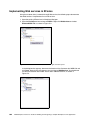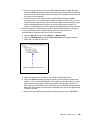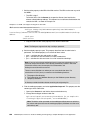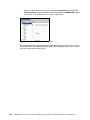
1
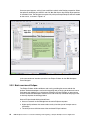
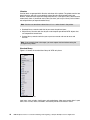
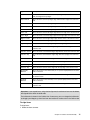
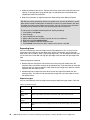
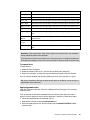
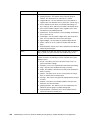
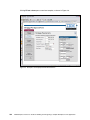
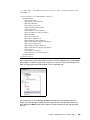
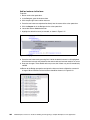
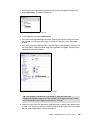
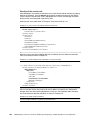
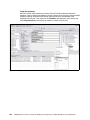
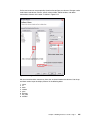
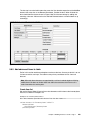
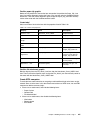
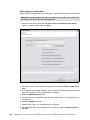
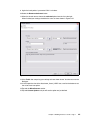
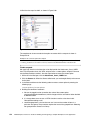
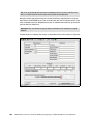
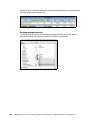
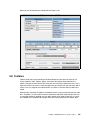
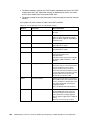
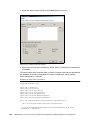
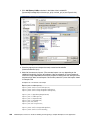
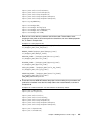
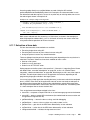
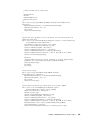
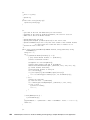
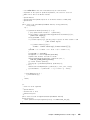
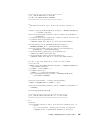
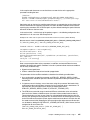
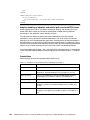
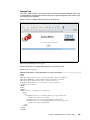
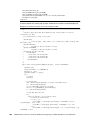
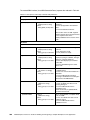
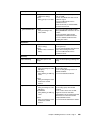
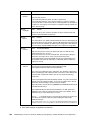
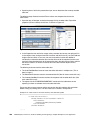
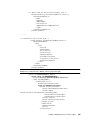
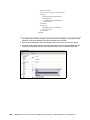
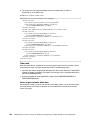
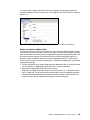
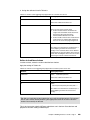
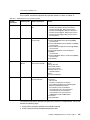
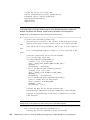
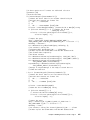
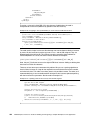
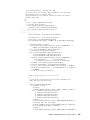
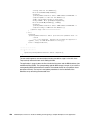
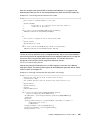
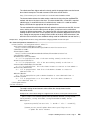
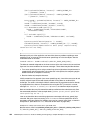
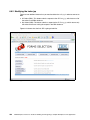
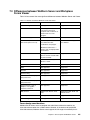
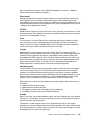
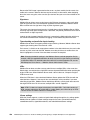
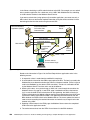
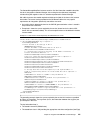
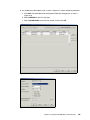
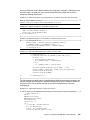
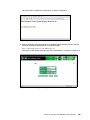
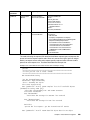
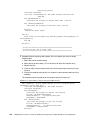
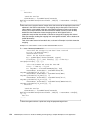
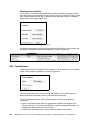
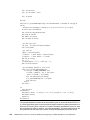
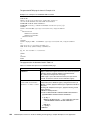
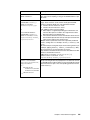
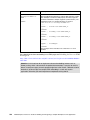
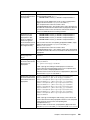
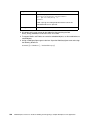
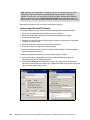
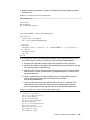
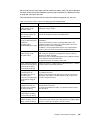
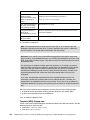
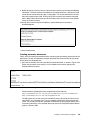
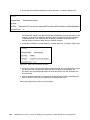
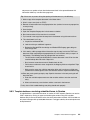
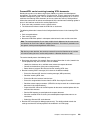
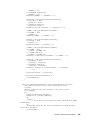
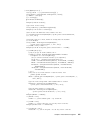
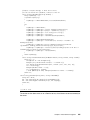
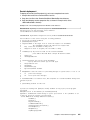
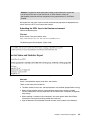
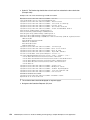
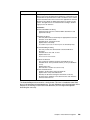
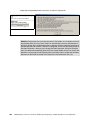
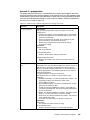
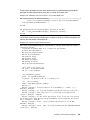
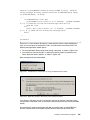
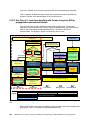
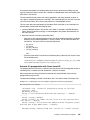
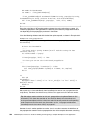
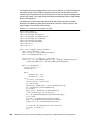
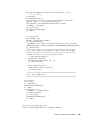
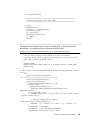
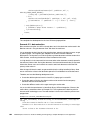
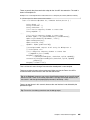
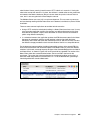
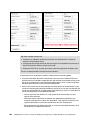
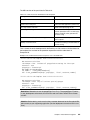
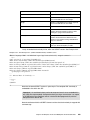
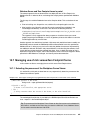
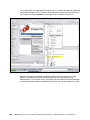
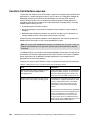
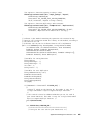
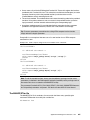
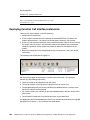
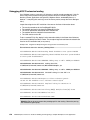
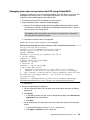
Function/sub Comments xml_createElement(elemen tName As String, elementContent As String, attributes As String) as string Creates one XML element based on element name and content composing the corresponding xml structure as: utils_replaceSubstring(str1 As String, str2 As String, str3 As String) As String Search/replace in a string. utils_getParamT(key As String, db As notesdatabase) As String Reads on parameter value as text from the parameter documents stored in the database. utils_encode(Byval strg As String) As String Simple encoder eliminating special HTML characters. <name attributes>content</name> 5. The agent is ready to run. Note: The created document is never saved. It exists only as an in-memory copy and disappears whenever the session ends. To store a document, we wait for a submission from the browser. The related code is discussed in the next section. Important: In this scenario we use two different prepopulation techniques: text parsing (quick and dirty) and embedded instances in an HTML page updating the inner part of the XFDL page using the Viewer engine. They differ not only in the used technique, but also in the execution time. Text parsing occurs before the Viewer opens the document, so all settings are present when the Viewer constructs the node tree. Prepopulation via embedded instance objects takes place after the Viewer has built the node structure. Any events or calculations executed while building the node structure cannot utilize the information available in the prepared prepopulation XML. Make sure that the form design does not rely on that information. In our case, we update the submission URL to the ConfigurationInfo instance. The information is written to the submit buttons on first node construction. Therefore, the prepopulation via embedded instances occurs too late. That is why we try to update the information additionally using text parsing knowing that this works on uncompressed forms only. We now have to create two more components to make the new form creation possible: A template view for the browser showing available templates with specific URLs At least one template document in the database First, we create the template view. Template (WEB) Prepop view Create a new view in Domino Designer available for browsers only with two columns. Use the following values to create the view: View name: Templates (WEB) prepop View alias: TemplatesPrepop 536 IBM Workplace Forms 2.6: Guide to Building and Integrating a Sample Workplace Forms Application