1
Utilities
Once the barcodes have been scanned, place the scanner into its cradle, and use
the File, Import Church Attendance menu option.
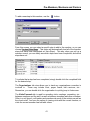
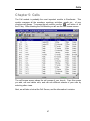
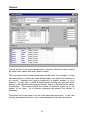
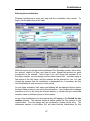
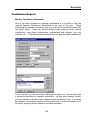
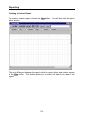
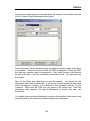
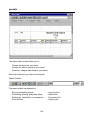
From this screen, choose the service type for which you want to import, then select
your scanner. Currently only the Symbol CS 2000 is supported. Select the COM
port that your scanner cradle is connected to. Also, enter the date of the service
as well as the time, if you are interested in tracking the time. You may leave the
time blank.
Next, hit the Read scan data button to read the scanner. You should see the
attendance data listed in the window. If you do not see any attendance data, then
either the scanner is empty, or the scanner is not connected correctly to your
computer. Make sure the COM port you chose is the correct one. After the
attendance data appears, hit Import Attendance to import that data into
Excellerate.
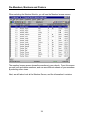
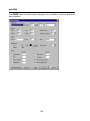
You should now see church attendance records in the member s edit screen, and
should be able to use views and reports to analyze the information.
143