1
ON SCREEN DISPLAY
OSD - VIDEO - CROPPING
CROPPING
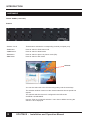
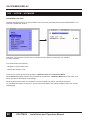
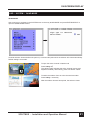
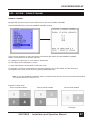
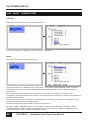
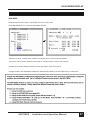
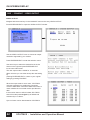
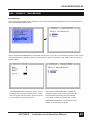
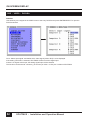
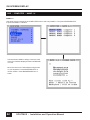
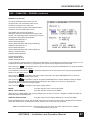
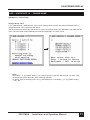
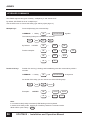
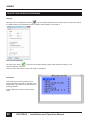
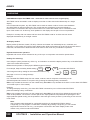
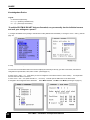
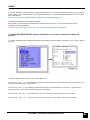
Use arrow keys to navigate in the VIDEO menu to the entry CROPPING and press ENTER/SELECT to open the
CROPPING window.
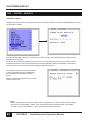
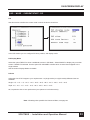
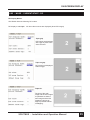
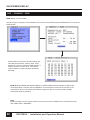
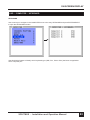
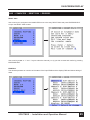
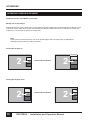
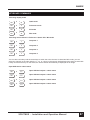
In the window VIDEO/CROPPING, enter a value from 0-999 for the left, right, top and bottom side of the
channel to be cropped.
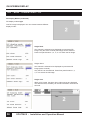
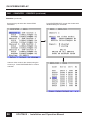
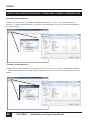
Use the arrows to increase or decrease the value either in single digits or in increments of 30. Alternatively, the
right and left arrows of the keyboard may be used to adjust these values.
Note: The
�������������������������������������������������������������������
smallest possible size of each area is 10% of the input signal.
54
SPLITMUX - Installation and Operation Manual