1
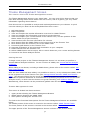
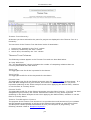
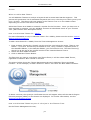
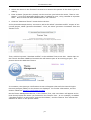
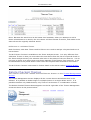
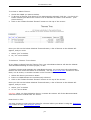
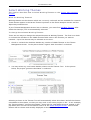
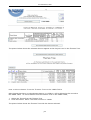
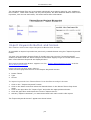
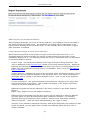
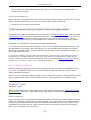
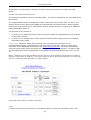
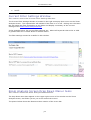
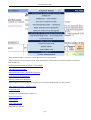
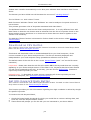
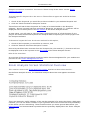
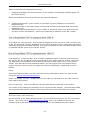
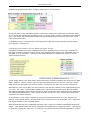
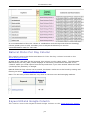
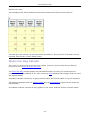
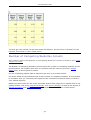
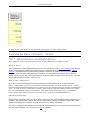
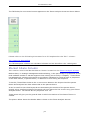
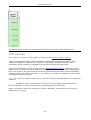
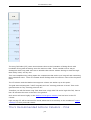
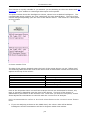
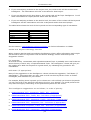
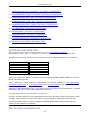
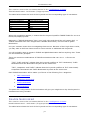
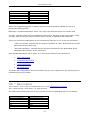
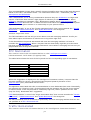
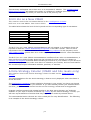
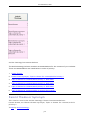
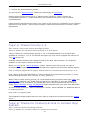
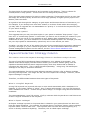
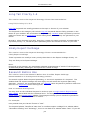
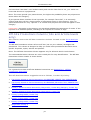
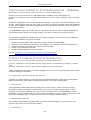
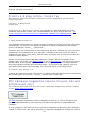
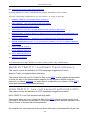
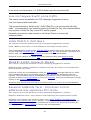
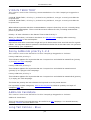
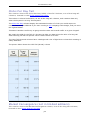
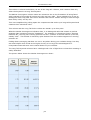
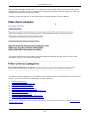
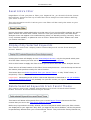
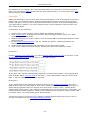
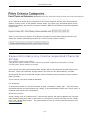
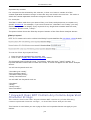
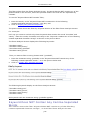
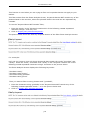
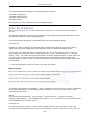
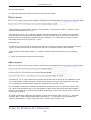
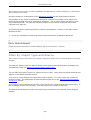
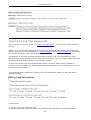
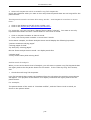
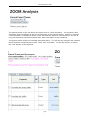
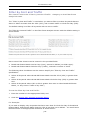
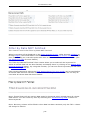
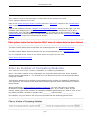
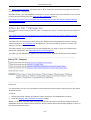
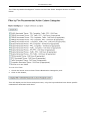
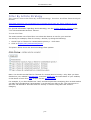
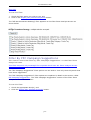
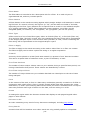
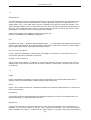
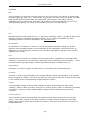
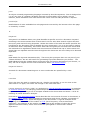
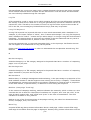
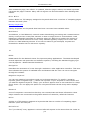
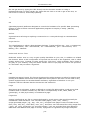
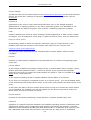
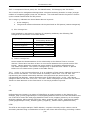
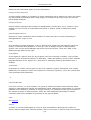
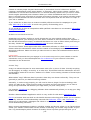
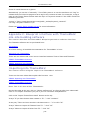
© Theme Zoom, 2007 When this screen is displayed, you will see the selected Silo and its subordinate artic les are now highlighted. The highlighted themes are ready to be moved to a new location. Rules for Moving Silos and Articles Individual articles can be moved to other silos. Articles can be "promoted" to silos by grafting them directly to a projec t. Projects and silos can be "demoted" by grafting them to subordinate levels. Silos and articles can be promoted to a project using the checkbox: Move highlighted theme to Project level. However, A project with silos and articles CANNOT be demoted to a silo because there are only three levels in the current Themes Tree structure. Similarly, silos with articles cannot be demoted to the article level. Move highlighted theme to Project Level To promote a silo or article to a project, check the Move highlighted theme to Project level box at the top of the Themes Tree. To move the highlighted themes to the Project level, check the checkbox Move highlighted theme to Project level. In the pictured example below, the checkbox: Move highlighted theme to Project level is checked. The Themes Tree in the picture below shows the silo and its articles are now at the Projec t level. p18