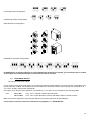
1
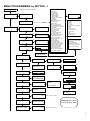
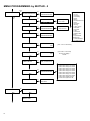
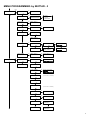
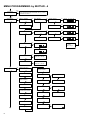
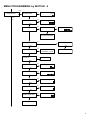
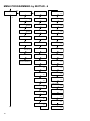
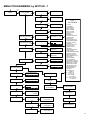
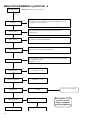
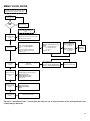
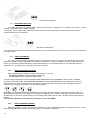
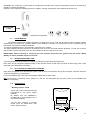
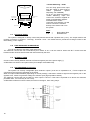
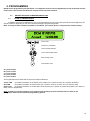
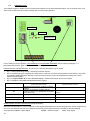
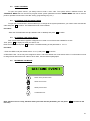
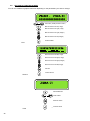
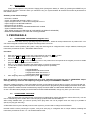
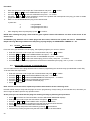
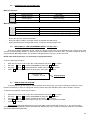
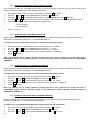
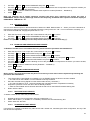
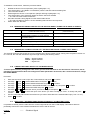
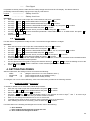
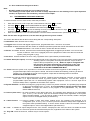
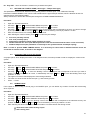
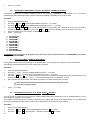
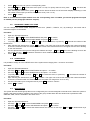
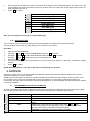
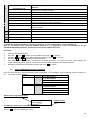
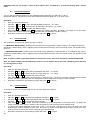
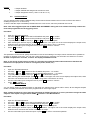
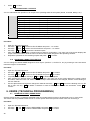
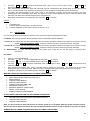
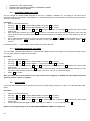
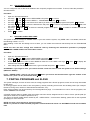
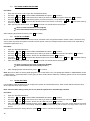
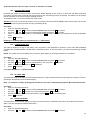
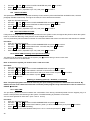
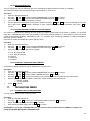
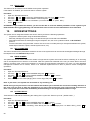
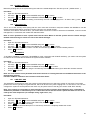
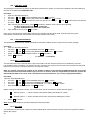
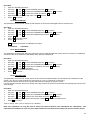
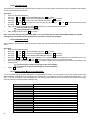
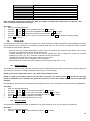
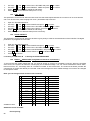
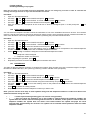
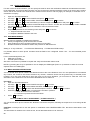
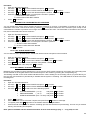
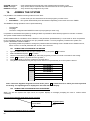
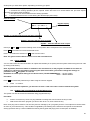
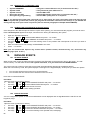
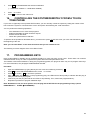
2.2 USING THE MENU To open the system menus, you always need to enter a user code. The system offers 2 different menus: the TECHNICAL MENU that can be used to program all the system parameters and the USERS MENU that can be used to perform operations reserved to users like arming, programming keys, etc.). 2.3 ACCESSING THE TECHNICAL MENU To open the Technical Menu, which enables you o change all the system parameters, you need to enter a technician code and press to confirm. The default technician code is 00000. Procedure: - Enter the TECHNICIAN code (the default code is 000000) and press to confirm. 2.4 ACCESSING THE USERS MENU First of all check that the keypad is configured to be used in one of the areas enabled for access. Then, press to display the area you wish to use. Enter the user code and press to confirm. The default setting of this parameter is 111111. Procedure: - Enter the USER code (the default code is 111111) and press to confirm. ATTENTION: User 1 is the only user assigned to Area 1 and to the default user code shown above. For information on how to assign areas and set the user code for other users, see the relevant paragraphs. 2.5 BROWSING THE MENUS Return to the previous menu Select the next item Select previous item Confirmation item Note: menus scroll in a loop; therefore when you reach the last parameter, you can press first one). to return to the 21