1
A
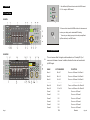
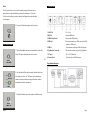
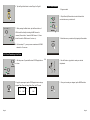
3-2 Rear View
Hints:
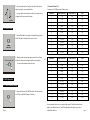
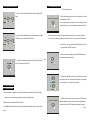
The Tap Sync button is used to set the speed by tapping the button several
times, the last two taps will define the speed with a maximum of 10 minutes.
Tap Sync will override any previous setting of the Speed slider unless the slider
is moved again.
4. Tap the Auto/Del button again to exit Auto mode .
1. AUDIO IN
0.1V~1Vp-p.
2. MIDI IN
Receives MIDI data.
3. DMX Polarity Select
Used to select DMX polarity.
4. DMX Out
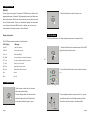
4-5.3 Music Mode
This connector sends your DMX value to the DMX
scanner or DMX pack.
5. DMX In
This connector accepts your DMX input signals.
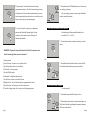
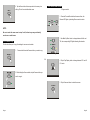
1. Tap the Music/Bank Copy button to activate Music mode. The
6. Fog Machine Connector
Music LED lights indicating Music mode is active.
7. DC Input
DC 9 -12V, 300mA min.
8. Power Switch
This switch turns On/Off the power.
This connector is used to plug in the Fog Machine.
8B
Fog machine diagram
2. Use the Bank Up/Down button to select the bank that holds
the scenes you wish to run. The scenes you've selected will
chase in a sequential order according to the music rhythms
detected by the built-in microphone.
3. Tap the Music/Bank Copy button again to exit Music mode.
Page 25
Page 6