1
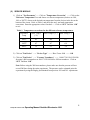
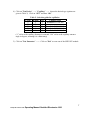
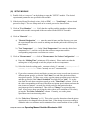
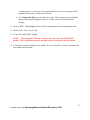
(I) START-UP 1) Start WINDOWS XP on the Göttfert PC. The computer must be on before turning on the test station. 2) Inspect the barrel and make sure it is clean. Clean if necessary (check logbook for prior user). 3) Insert the key into the test station and turn it 90 COUNTERclockwise. Also turn the red knob on the front of the instrument panel 90 clockwise to set it to position 1. A green light on the front of the instrument panel should come on, signifying that the instrument is on. 4) Double click on “service.exe” on the desktop to start the "SERVICE" module. WARNING: If you do not do these steps in order, you may see an error related to the communication between the base station and the computer (ESP connection failed/error). If this occurs, close down both units and re-start strictly following the order above. 5 29 Sept 2014 minor edits Operating Manual Goettfert Rheotester 1000