1
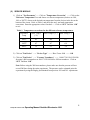
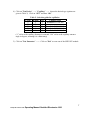
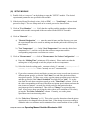
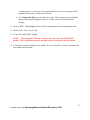
(II) SERVICE MODULE 1) Click on "Test Parameter"—> Click on "Temperature Correction" —> Click on the "Reference Temperature" box and choose a reference temperature (choices are 100, 190, or 300 ) closest to the desired test temperature from the choices in the box at the bottom of the screen. Refer to Table 1 and check the steel- and melt-temperature corrections. Enter the appropriate values if needed—> Click on “SET” and then “OK” to exit Table 1: Temperature corrections for the different reference temperatures Reference Temp Steel Temp I (C) Steel Temp II (C) Melt Temp (C) 100 0.1 -0.6 -0.3 190 0.7 -0.7 -0.9 300 1.2 -1.3 -1.6 2) Click on "Test Device" —> "Device Type" ----> Rheo Tester 1000 ----> OK 3) Click on "Test Device" —> "Pressure Transducer" ----> 1400-173011194/1120/280 for using 1400 bar transducer or 200-371229/160/40 for 200 bar transducer. Click on “SET” and then “OK”. Note: Before using the 200-bar transducer, please make sure that the pressure will not exceed 200 bars during the entire experiment. The pressure can be estimated prior the experiment by using the Bagley plot obtained from previous 20/1 and 30/1 experiments. 6 29 Sept 2014 minor edits Operating Manual Goettfert Rheotester 1000