1
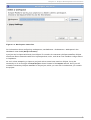
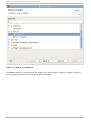
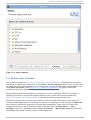
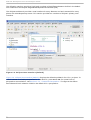
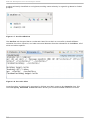
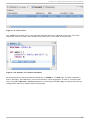
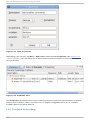
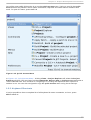
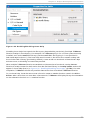
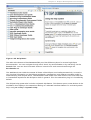
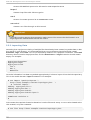
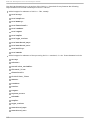
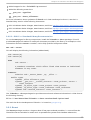
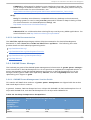
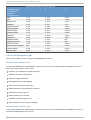
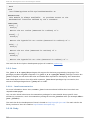
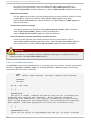
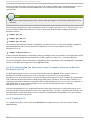
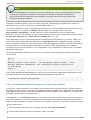
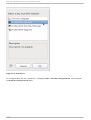
Chapt er 1 . Eclipse Development Environment Fig u re 1.22. En ab lin g /D isab lin g H o ver H elp D isabling hover help from a particular library may be preferable, particularly if multiple l i bho ver libraries overlap in functionality. For example, if a l i bho ver plug-in for a C library were manually installed, such as the newl i b C library (note that newl i b C library plug-in is not provided in Red Hat Enterprise Linux 6). The hover help would contain C functions whos names overlap with those in the GNU C library (provided by default). A user would not want both of these hover helps active at once, so disabling one would be practical. When multiple l i bho ver libraries are enabled and there exists a functional overlap between libraries, the Help content for the function from the first listed library in the H elp b o o ks section will appear in hover help (that is, in Figure 1.22, “ Enabling/D isabling Hover Help” , g l i bc). For code completion, l i bho ver will offer all possible alternatives from all enabled l i bho ver libraries. To use hover help, hover the mouse over a function name or member function name in the C /C + + Ed it o r. After a short time, no more than a few seconds, l i bho ver will display library documentation on the selected C function or C++ member function. 21













































![j:j_"Xt$l"j:]:":,lg]:"r/Human Resources have been duty - e](http://vs1.manualzilla.com/store/data/005657435_1-26d97049bf04f0fd92265d73e45a9ab3-150x150.png)