1
NaviPlan User Manual: Forecaster Assessment
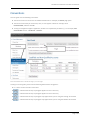
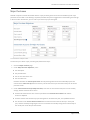
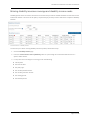
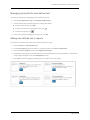
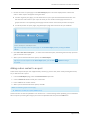
Forecaster section – Survivor Income (if Client dies) – Ongoing Needs container – Calculate button – Ongoing Needs dialog box
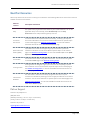
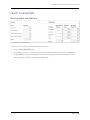
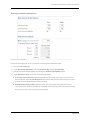
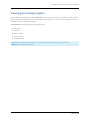
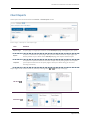
6. In the Available Assets to Offset Needs container, NaviPlan displays any assets that the survivor could sell
to offset the immediate needs following the spouse's death, as well as the value of any existing life
insurance policies. To use different values, select Available Asset Override.
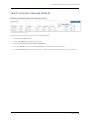
Forecaster section – Survivor Income (if Client dies) – Available Assets to Offset Needs container
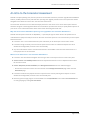
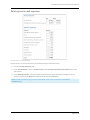
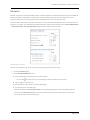
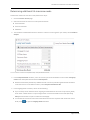
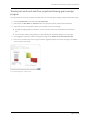
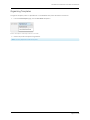
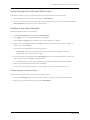
Forecaster section – Survivor Income (if Client dies) – Ongoing Incomes container
7. In the Ongoing Incomes container, you can select to Include Incomes as Entered in Plan (on the Incomes
& Expenses page) and/or Include Social Security to include these values in the Survivor Income analysis.
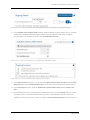
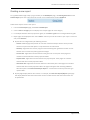
8. In the Assumptions container, enter the Inflation Rate, Assumed Return Rate and the Survivor's Tax
Rate.
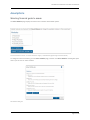
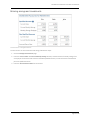
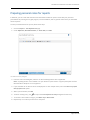
9. NaviPlan displays the total recommendation for additional life insurance in the Results container. If there
are instances in the survivorship cash flow where surpluses will be available in the future but are not
available to cover expenses today, you will see a line for Present Value Adjustments to account for these.
Page 14 of 28