1
UTM User Manual
4. Network Settings
4.1 Interfaces
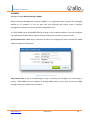
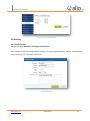
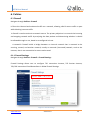
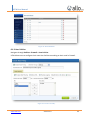
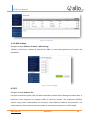
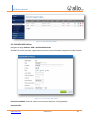
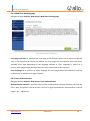
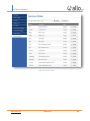
Navigate through Network > Interfaces
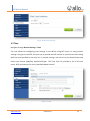
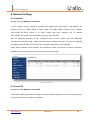
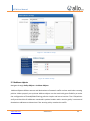
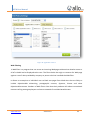
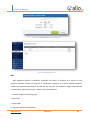
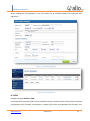
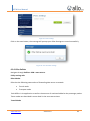
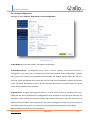
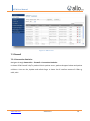
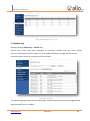
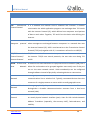
In this section, we can configure interfaces like WAN (eth0), LAN (eth1), and whether the
interface can be in DHCP mode or Static mode. By default WAN interface has IP address
10.1.0.1/255.255.255.0 which is in Static mode and LAN interface has IP address
10.0.0.1/255.255.255.0 which has DHCP running on this interface.
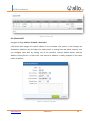
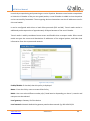
We can configure gateway to the interfaces only in Static mode. And also Maximum
Transmission Unit (MTU) (68 - 1500) (communications protocol of a layer is the size (in bytes) of
the largest protocol data unit that the layer can pass onwards) for each interface.
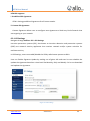
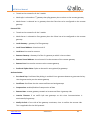
Select which interface will be used for this connection either on external or internal interfaces.
PRIMARY means the connection will be on the external interface.
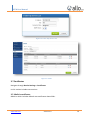
Figure 20: Interfaces
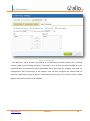
4.2 Virtual IPS
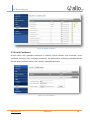
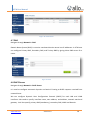
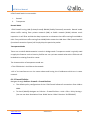
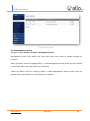
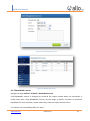
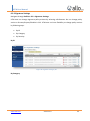
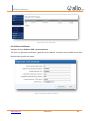
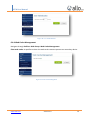
Navigate through Network > Virtual IPS
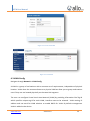
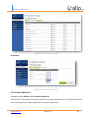
UTM's VIPs addressing enables hosting for several different applications and virtual appliances
on a server with only one logical IP address
www.allo.com
Version 2.0
23