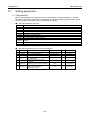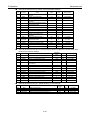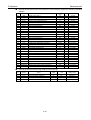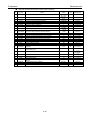
1
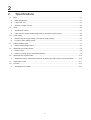
7.Digital Operator
7.1
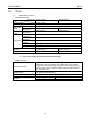
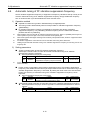
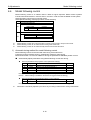
Names and functions
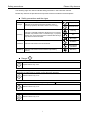
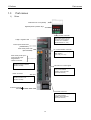
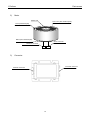
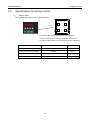
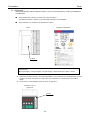
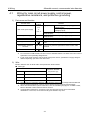
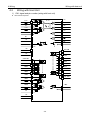
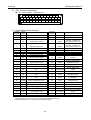
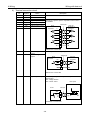
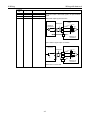
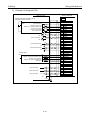
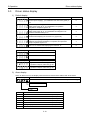
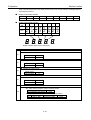
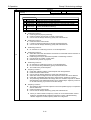
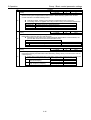
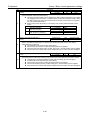
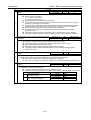
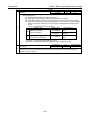
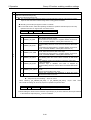
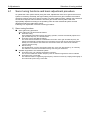
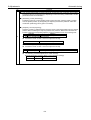
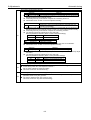
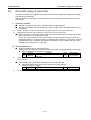
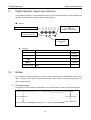
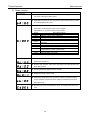
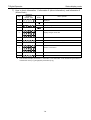
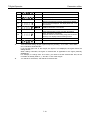
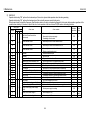
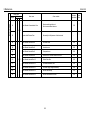
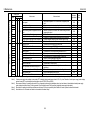
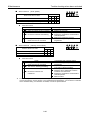
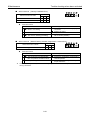
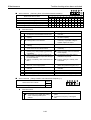
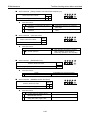
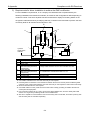
Digital Operator names and functions
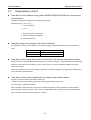
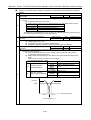
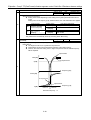
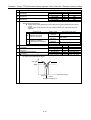
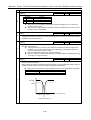
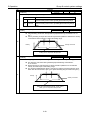
It is possible to change or set the parameters and to confirm the status display, monitor display, test
operation and alarm history with the built-in digital operator.
■
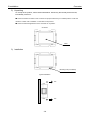
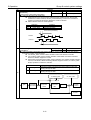
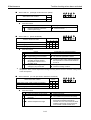
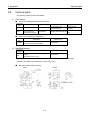
Names
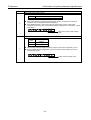
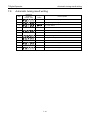
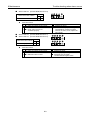
WR/
Cursor movement,
decision, and writing Key
Displays 5-digit, 7-segment LED
MODE
MODE Switch Key
WR/
MODE
▲ ▼
Up and Down
Key
◆
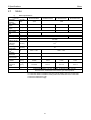
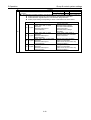
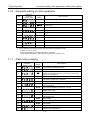
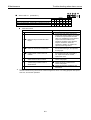
Functions
Displayed marks
WR
MODE
Functions
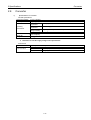
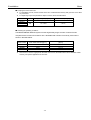
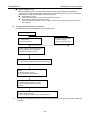
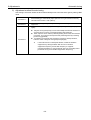
To input selections and write edited data.
Changes the Mode.
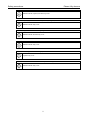
Cursor Key. Changes the cursor position when editing.
Up/Down key. Changes the numeric value.
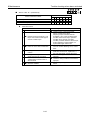
7 segment LED
7.2
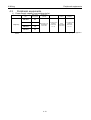
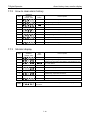
Input time
More than
1second
Less than
1 second
Less than
1 second
Less than
1 second
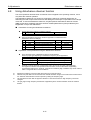
Displays monitor value or parameter setting value in five
digits.
-
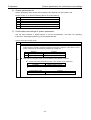
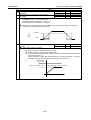
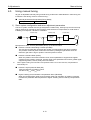
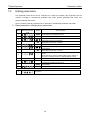
Modes
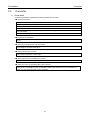
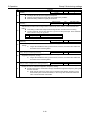
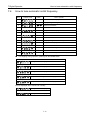
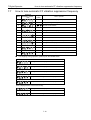
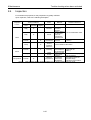
It is possible to display the status, to change or set the parameters, to automatically set the notch
filter, to change motor, and to confirm test operation, alarm history and monitor display with the
built-in digital operator.
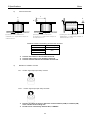
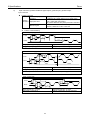
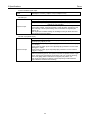
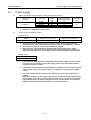
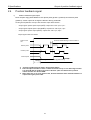
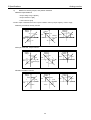
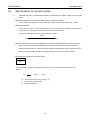
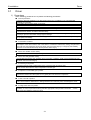
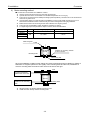
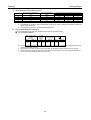
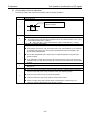
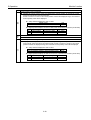
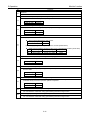
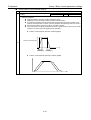
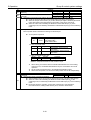
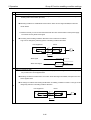
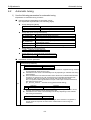
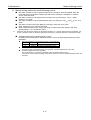
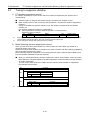
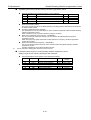
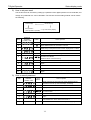
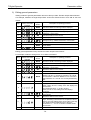
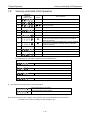
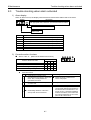
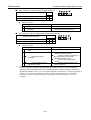
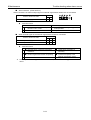
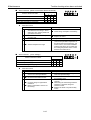
1) Changing modes
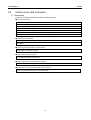
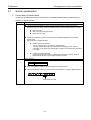
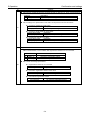
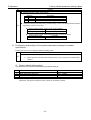
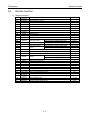
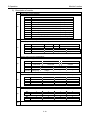
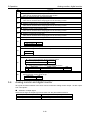
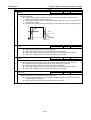
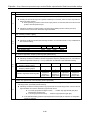
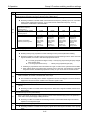
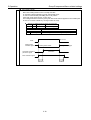
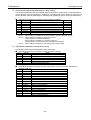
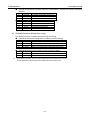
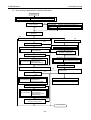
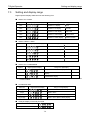
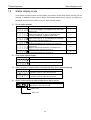
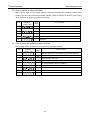
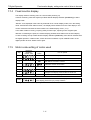
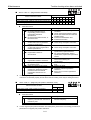
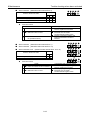
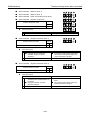
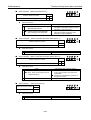
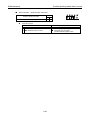
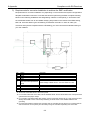
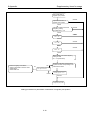
Change in the mode presses the "MODE key." The mode switches in order of the following figure.
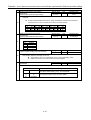
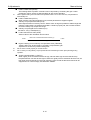
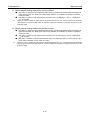
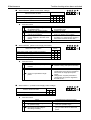
Status Display, Fixed Monitor Display
Motor code set
Alarm history display
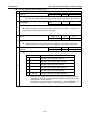
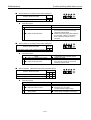
Basic parameter set
General parameter set
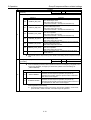
Monitor display
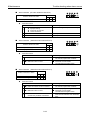
Automatic adjustment
7-1
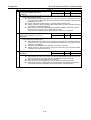
Test operation
System Parameter set