1
5.Operation
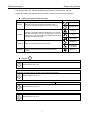
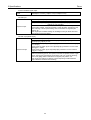
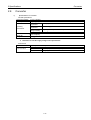
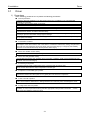
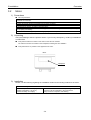
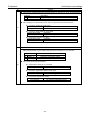
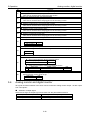
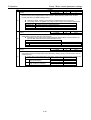
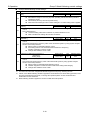
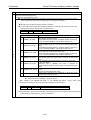
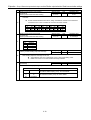
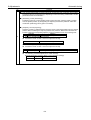
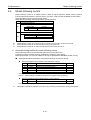
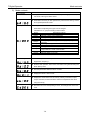
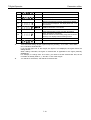
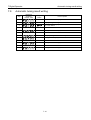
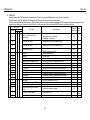
ID
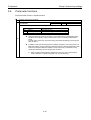
06
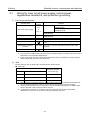
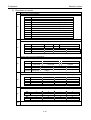
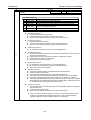
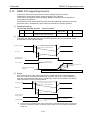
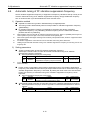
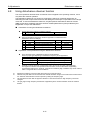
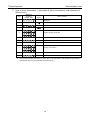
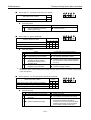
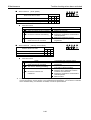
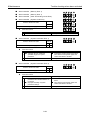
Group C Encoder related settings
Contents
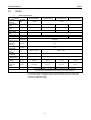
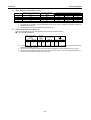
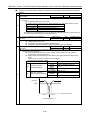
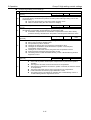
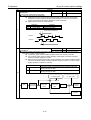
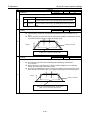
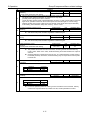
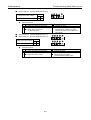
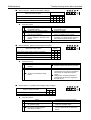
Encoder Output Pulse Divide Resolution Selection Setting range Unit
Standard value
[PULOUTRES]
00 to 01
00:163840 P/R
Control power reactivation after setting
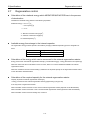
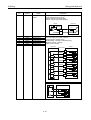
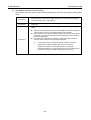
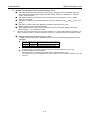
■ This parameter is settable only when using serial encoder.
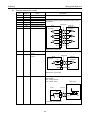
◆ Sets resolution of Encoder output pulse divide.
◆ Set at 163840P/R when Output pulse frequency exceeds the specification of the upper
controller.
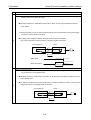
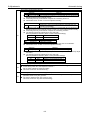
◆ Outputs divided pulse by setting resolution to ID04 Encoder output divide.
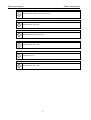
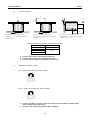
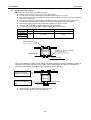
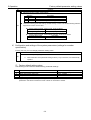
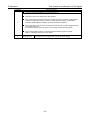
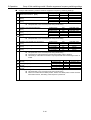
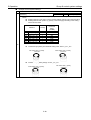
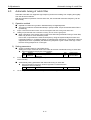
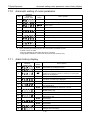
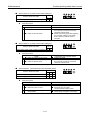
00
01
Selection
163840P/R
655360P/R
Contents
163840 Pulse per 1 Motor Rotation
655360 Pulse per 1 Motor Rotation
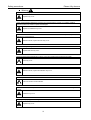
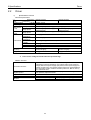
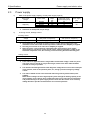
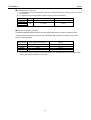
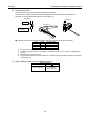
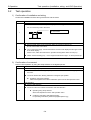
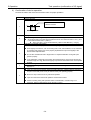
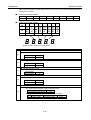
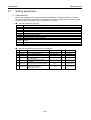
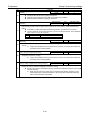
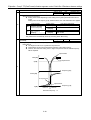
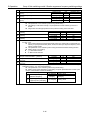
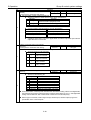
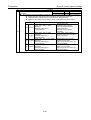
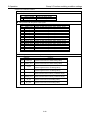
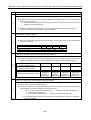
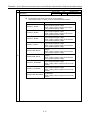
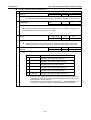
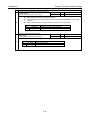
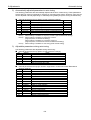
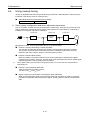
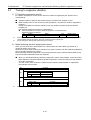
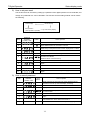
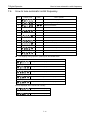
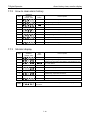
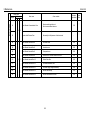
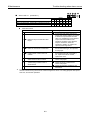
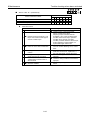
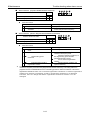
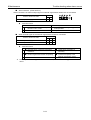
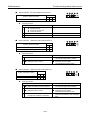
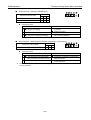
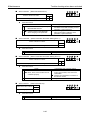
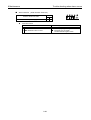
Resolver Signal Output(PS) Format
Setting range
[PSOFORM]
00 to 01
Control power reactivation after setting
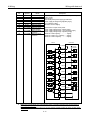
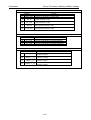
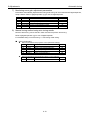
■ Sets signal format of Encoder signal output (PS).
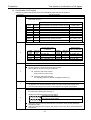
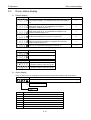
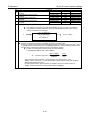
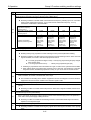
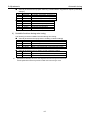
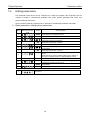
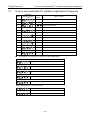
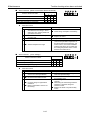
07
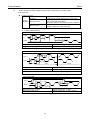
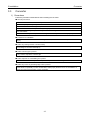
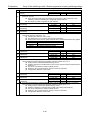
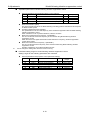
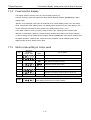
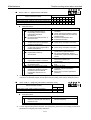
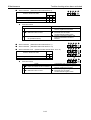
00
01
Selection
MOT_Binary
MOT_ASCII
Contents
Binary Code Output
Decimal ASCII Code Output
5-79
Unit
Standard value
-
00:MOT_Binary