1
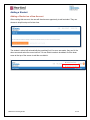
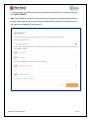
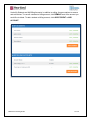
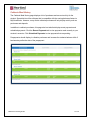
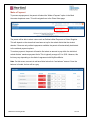
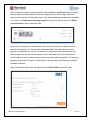
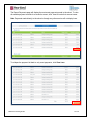
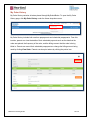
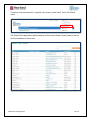
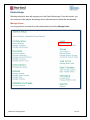
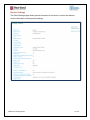
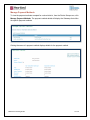
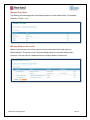
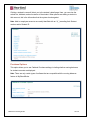
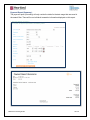
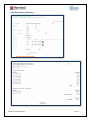
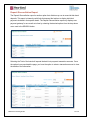
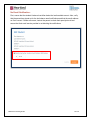
Clicking a student’s name will direct you to the student’s detail page. Here, you can view the
school site, birthdate, and active status of the student. When parents are adding a student to
their account, this is the information that the system checks against.
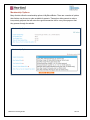
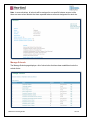
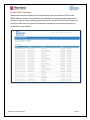
Note: Adult or employee accounts are usually identified with an “A_” preceding their Student
number and/or Student ID.
Purchase Options
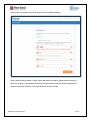
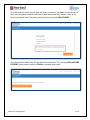
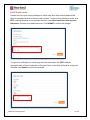
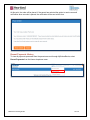
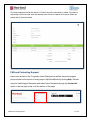
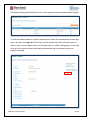
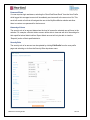
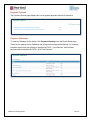
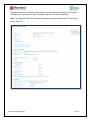
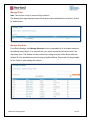
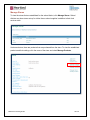
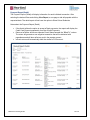
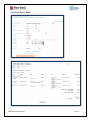
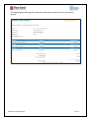
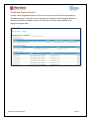
This option allows you to see Cafeteria Purchase settings, including whether running balances
for student accounts are displayed.
Note: There are only certain types of software that are compatible with the running balances
feature in MySchoolBucks.
MSB Parent Training Guide
35 of 51