1
i
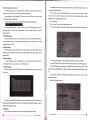
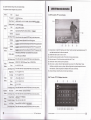
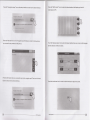
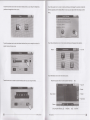
Click on
Click on
a
a
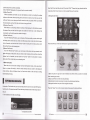
flip chart to the next map interface to enter the menu
flip chart to the next map interface to enter the menu
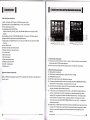
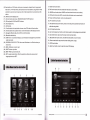
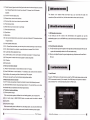
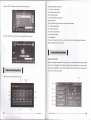
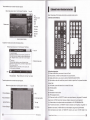
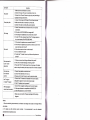
(1). Back button: return to the main interface.
(2)' vol-button: vorume down key, press for a reduction
of ce, vorume, rength by a
continuous decrease.
(3). Menu settings button.
(4). Angle button.
(5). Duplicate key.
(6). Title track keys.
(7). Subtitles button.
(8). Key figure selections. (Below)
(9). Overscan button.
(10). Flip key.
(1 1).
voL
+ button: vorume increase in key short by a ceil vorume
increase, according to
a continuous increase in length.
(12). Out of disc key.
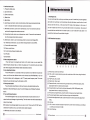
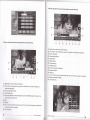
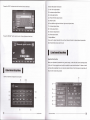
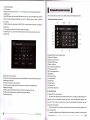
(1). Back button: return to the main interface.
(2). vol-button: volume down key, press for a reduction of cell volume, length by a
continuous decrease.
(3). Channel switching button.
(4). Track display key.
(5)" cursor up and down move left selection key: when the Mp3 player for the cursor
up
and down and move around.
(6) Koy.
(/). Flip key.
(tl),
vol
(l))
r;rrrrlinuous increase in length.
Orrl 0l disc key.
l.button: volume increase in key short by a cell volume increase, according to a
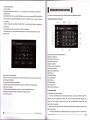
DVD Player Operation
DVD Player Operation
.ri0il