1
WORKING WITH COLORS
4.
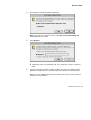
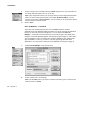
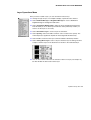
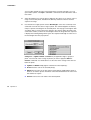
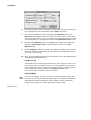
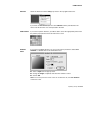
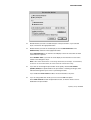
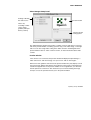
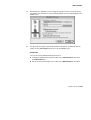
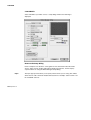
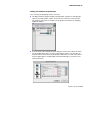
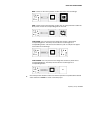
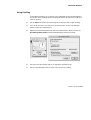
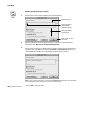
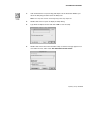
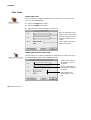
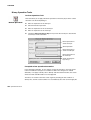
If you are working with an 8-bit image, click on either the Change Palette or the
Change Data buttons. (Make sure you have a backup of the original data if you
decide to change the data.) These buttons will be grayed out if you are working with 9bit to 16-bit grayscales.
5.
Click on either Current Layer or Selected Layers, and then click on OK.
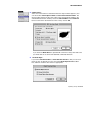
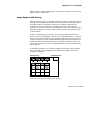
Saving Settings
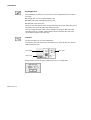
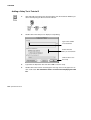
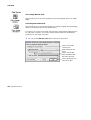
You can save these settings if you want to use them on a batch of different images.
Refer to Chapter 15 for further details about saving settings.
Color Balance
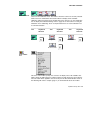
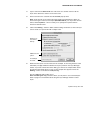
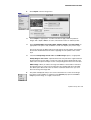
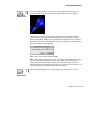
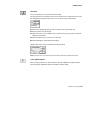
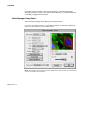
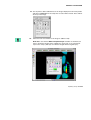
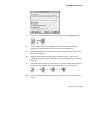
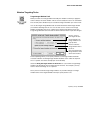
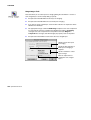
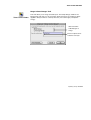
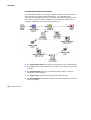
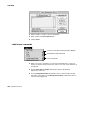
The Color Balance command allows you to adjust the contrast, brightness and
individual color channels on an image. It can only be used with 24-bit color images
where contrast enhancement cannot be used. You can apply changes to the current
layer or to all selected layers.
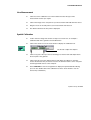
1.
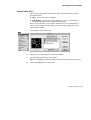
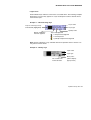
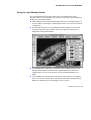
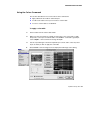
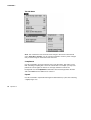
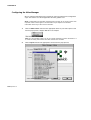
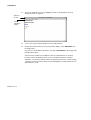
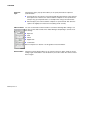
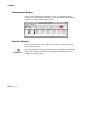
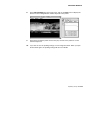
Use the Layer Manager to make a layer current (it appears in the Document Window).
2.
Use the Layer Manager to select any other layers for which you wish to apply color
balance.
Updated January 2001 89