1
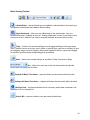
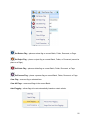
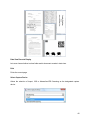
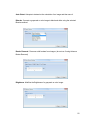
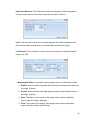
Hole Punch Removal: This command is used when scanning to a black background
and the desired result is to have the hole punches be white or filled in.
Invert: This command is used when an image appears with a black background with
white writing and the desired result is a white background with black writing.
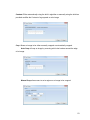
Line Removal: This command is used to remove lines and may be especially helpful
during zone OCR.
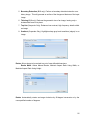
Morphological Filters: Processes incoming images with one of the following filters:
1. Dilation: Used to smooth small dark regions tending to enhance black features in
the image. (Darken)
2. Erosion: Used to smooth small light regions tending to reduce black features in
the image. (Lighten)
3. Open: The dilation of the erosion of the image used to reduce small black
regions within the image. (Deshade)
4. Close: The erosion of the dilation of the image used to reduce small white
regions within the image. (Light Thicken)
55