1
Appendix B Powering On or Off, Storing, and Moving the System
B
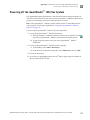
Powering off the QuantStudio™ 12K Flex System
Powering off the QuantStudio™ 12K Flex System
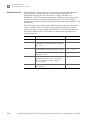
The Applied Biosystems QuantStudio™ 12K Flex Real-Time PCR System operates in
low-power mode when not in use; however, the QuantStudio™ 12K Flex System can be
powered off completely so that the components draw no power.
Note: If the QuantStudio™ 12K Flex System will be inactive for extended period of
time, prepare it for storage as explained in “Storing the QuantStudio™ 12K Flex
System” on page 178.
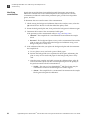
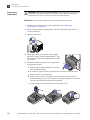
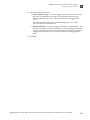
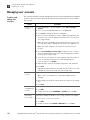
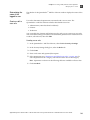
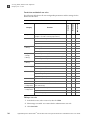
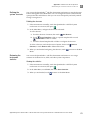
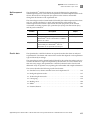
To power off the QuantStudio™ 12K Flex System components:
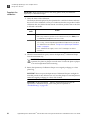
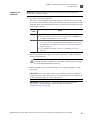
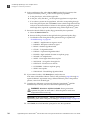
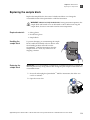
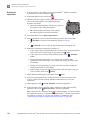
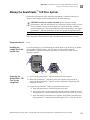
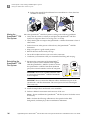
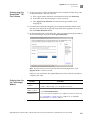
1. Power off the QuantStudio™ 12K Flex Instrument:
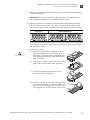
a. If the QuantStudio™ 12K Flex Instrument touchscreen is not blank, touch
to place the QuantStudio™ 12K Flex Instrument into stand-by mode.
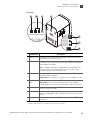
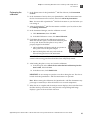
b. Toggle the power button on the rear of the QuantStudio™ 12K Flex
Instrument.
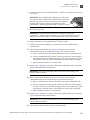
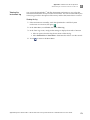
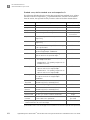
2. Power off the QuantStudio™ 12K Flex System computer:
a. In the desktop, select StartShut Down.
b. In the Shut Down Windows dialog box, select Shut Down, then click OK.
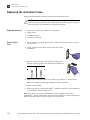
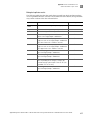
3. Power off the monitor.
4. If you have an Applied Biosystems Twister® Robot, toggle the power button on
the rear of the Twister® Robot.
Applied Biosystems QuantStudio™ 12K Flex Real-Time PCR System Maintenance and Administration User Guide
177