1
6
Security, Audit, and Electronic Signature
Generating audit reports
Generating audit reports
You can use the QuantStudio™ 12K Flex Software to generate reports of audit history
from both the Security Settings dialog box and open experiments, templates, or
studies.
Displaying audit
histories from the
Security Settings
dialog box
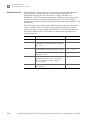
■
Displaying audit histories from the Security Settings dialog box . . . . . . . . . . . . 146
■
Displaying audit histories for an experiment or template. . . . . . . . . . . . . . . . . . . 149
Displaying audit histories
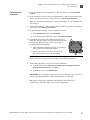
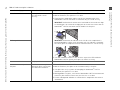
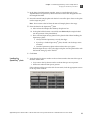
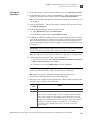
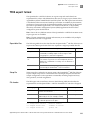
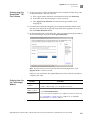
1. In the QuantStudio™ 12K Flex Software, select ToolsSecuritySettings.
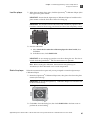
2. In the Security Settings dialog box, select the Audit tab, then click View Reports.
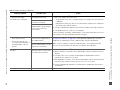
Note: To access the Audit Reports screen, the user role for an account must
specify the Configure SAE permission. Users without the Configure SAE
permission can view object audit histories for individual entries in the libraries by
selecting entries, then clicking View Audit History.
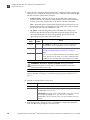
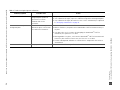
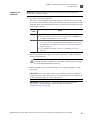
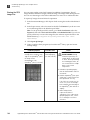
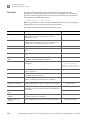
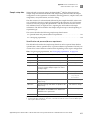
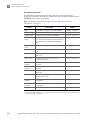
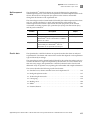
3. Select a tab to display:
• System Configuration History – Security, audit, and electronic signature
configuration records, including audit history for each user account.
• Action Record – System-specified audit events.
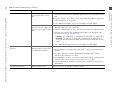
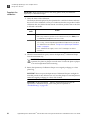
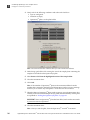
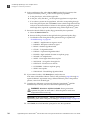
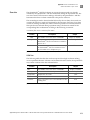
4. (Optional) Select Filter by, then filter the table:
• Sort the table.
• Specify filters (date range, user name, action, object or record type, object or
record name, reason), then click Refresh.
Note: The Reason field in System Configuration History is not used.
• Select one or more records, then click View Report.
146
Applied Biosystems QuantStudio™ 12K Flex Real-Time PCR System Maintenance and Administration User Guide