1
INTREPID User Manual
Library | Help | Top
Specifying map attribute values (T45e)
2
| Back |
Entering text vs choosing from lists and palettes
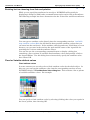
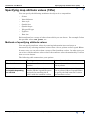
While you are specifying attributes for an object, INTREPID will typically be
displaying a dialog box with both a command button and a text box for each attribute.
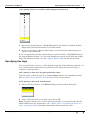
The following example has these alternatives for the Colour Size and Font attributes.
You can type an attribute value directly into the corresponding text box. Available
map attribute values (R22) for full details about possible attribute values that you
can enter into the text boxes. If the attribute value depends on a Z field from a vector
dataset, you can enter in the text box the path and file name of the legend file for
matching the Z values with the attribute values.
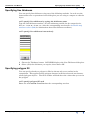
You can also use the corresponding command button to display a dialog box
containing a list or palette of available fixed attribute values and possibly a link to
the Legend Editor. Use this dialog box to interactively specify the attribute value,
then choose OK.
Fixed or Variable attribute values
Fixed attribute values
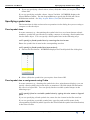
In some contexts you can only select a fixed attribute value for the whole object. In
this case you can type the attribute value into the corresponding text box or have
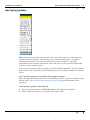
INTREPID display a Fixed Attribute Value dialog box. This contains a list or palette
of available attribute values. For example:
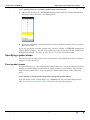
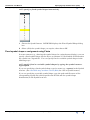
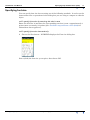
You can specify a fixed attribute value by selecting (clicking) the value you require in
the list or palette, then choosing OK.
Library | Help | Top
© 2012 Intrepid Geophysics
| Back |