1
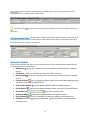
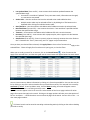
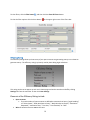
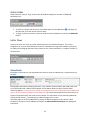
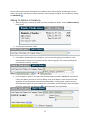
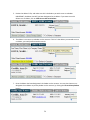
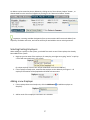
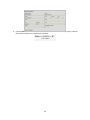
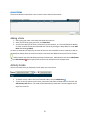
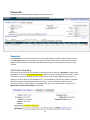
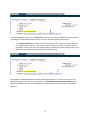
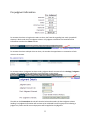
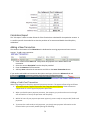
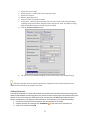
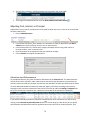
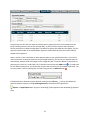
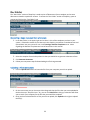
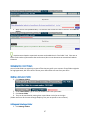
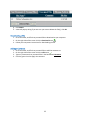
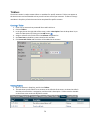
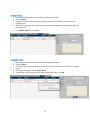
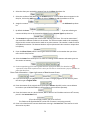
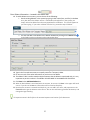
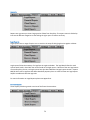
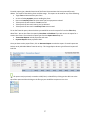
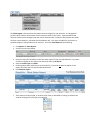
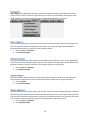
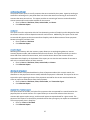
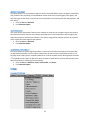
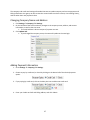
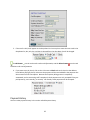
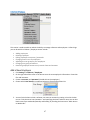
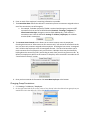
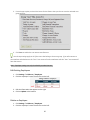
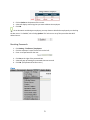
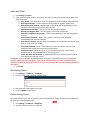
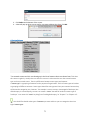
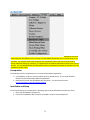
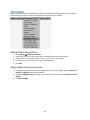
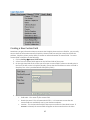
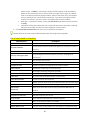
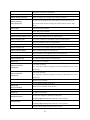
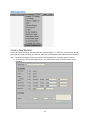
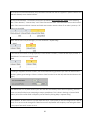
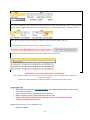
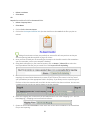
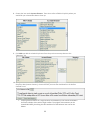
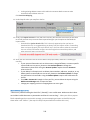
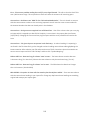
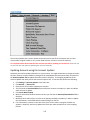
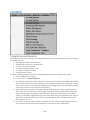
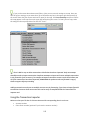
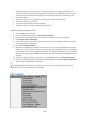
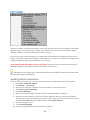
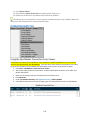
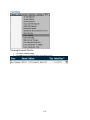
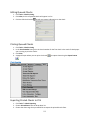
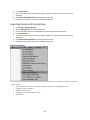
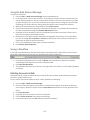
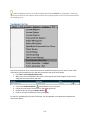
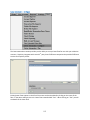
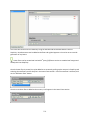
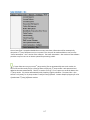
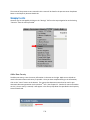
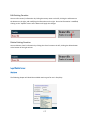
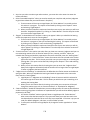
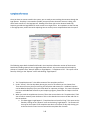
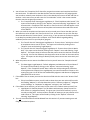
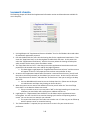
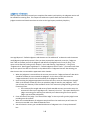
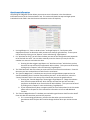
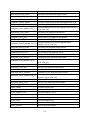
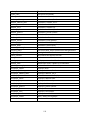
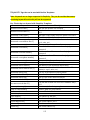
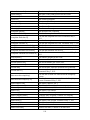
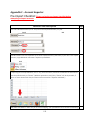
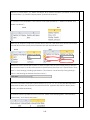
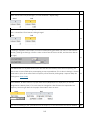
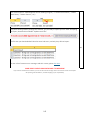
Add a New Client 1. Click Settings Clients 2. Enter the client’s information in the area on the right. Include as much information about each client as possible. a. Short Name – The name of the client as it appears on the files used to import accounts. b. Sales Representative – Used to reference which employee signed a certain client. c. Default Allocation Method – Method used by default for allocating payments to cost, principal, interest, and any applicable attorney fees. d. Default Commission Rate – The commission rate paid to the agency. e. Attorney Contingency Rate – The contingency rate paid to the attorney. f. Default Pre‐Judgment Interest Rate – Interest rate applied to all accounts belonging to the client. g. Auto‐Account # Enabled – When “True,” account numbers can be generated automatically when none are defined. h. Auto‐Account # Prefix – Prefix that can be applied for all accounts that belong to a client when an auto‐account # is made. i. Client Portal Enabled – When “True,” clients can access the Simplicity online client portal with their organizations username and password. j. Client Portal View – Allows the client to view accounts with notes, view accounts without notes, or view uploaded files in their client portal. k. Client Username and Password – Credentials used for your client to access the online client portal from the login screen. (All defaults can be overridden by defining them in an import, or manually one by one in the account. Interest, commission, and contingency rates must be defined before an account is added for these defaults to take effect. Changing the values on this screen does not alter accounts already entered into the system.) 3. Click Insert. Edit Existing Clients 1. Click Settings Collectors / Employees 2. Click the client’s name from the list on the left. 3. Edit the client’s information on the right. 4. Click on Update at the bottom. Delete Existing Clients You cannot delete a client with any accounts still associated with it. Delete any accounts associated with the client prior to deleting the client. 1. Click Settings Collectors / Employees 2. Select the client from the list on the left. 71