1
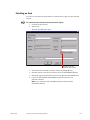
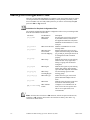
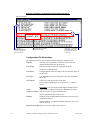
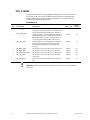
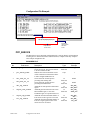
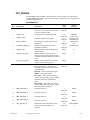
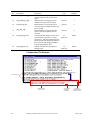
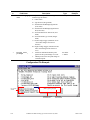
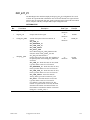
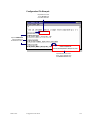
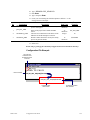
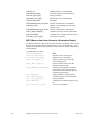
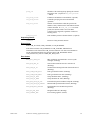
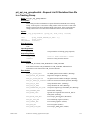
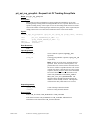
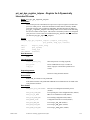
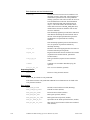
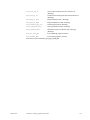
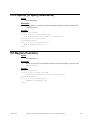
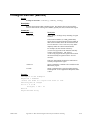
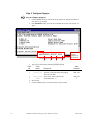
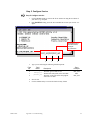
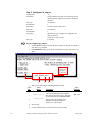
PRIOR REGION
The PRT region that an item will be moved from
when it is modified.
If a region is specified, the item must be at the head
of this region for an item to be updated and moved to
the destination region.
If no region is specified, the item will always be
moved to the destination region, if moves are
allowed.
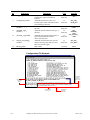
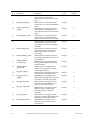
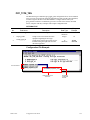
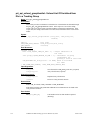
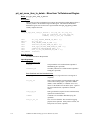
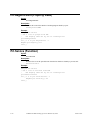
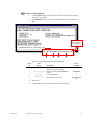
TRANSITION FLAG
Flag indicating what types of transitions are allowed.
This flag indicates if new items can be added to the
destination region and if existing items should be
moved to the destination region when updated.
1 = Only adds are allowed
2 = Only moves are allowed
3 = Adds and moves are allowed
Other = Adds and moves NOT allowed
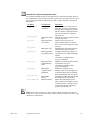
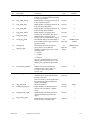
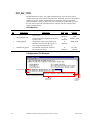
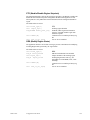
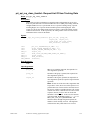
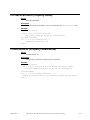
ITEM TYPE
A value representing the type of item that may be
created when the New Item Allowed field is set to 1.
If this field is left blank, any item type may be
created.
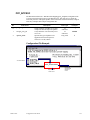
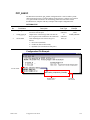
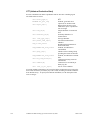
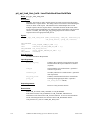
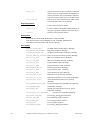
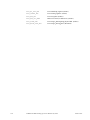
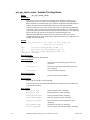
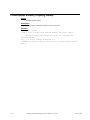
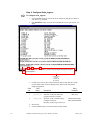
TRANSITION FAILURE POINT The name of the CIMPLICITY Digital point that is
used to represent the success or failure of an item
moving into (or being added to) the configured PRT
Destination Region.
The point will be set to 1 if the move is successful,
and 0 if the move is unsuccessful.
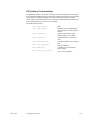
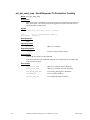
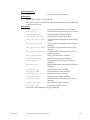
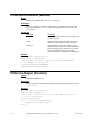
IGNORE FIRST VALUE
A value that specifies whether or not CTI will ignore
the first point update received for an item.
A value of 1 specifies that the CTI will ignore the
first value received for a point.
A value of 0 specifies that CTI will respond to the
first value received for a point.
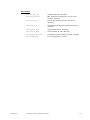
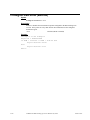
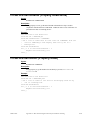
An ANALOG response point must have integer
values configured for both the SUCCESS VALUE
and FAILURE VALUE fields.
A TEXT response point will have alphanumeric
values configured for the SUCCESS VALUE and
FAILURE VALUE fields.
GFK-1216F
Appendix F - Configurable Tracking Interface
F-9