1
Section
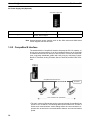
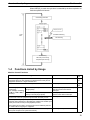
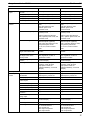
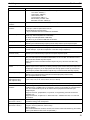
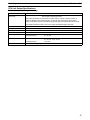
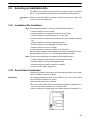
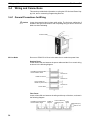
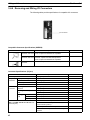
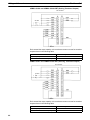
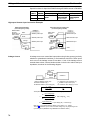
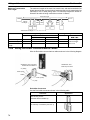
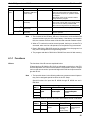
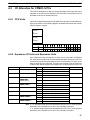
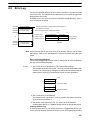
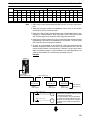
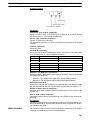
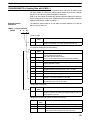
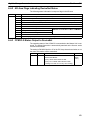
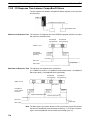
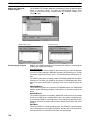
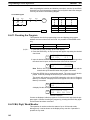
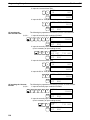
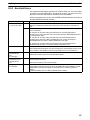
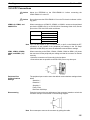
Using a Programming Console
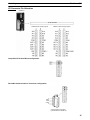
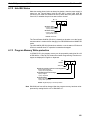
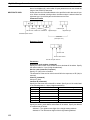
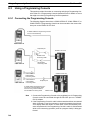
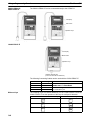
CQM1H-PRO01-E,
CQM1-PRO01-E
8-3
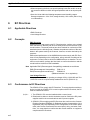
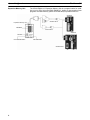
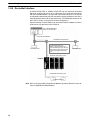
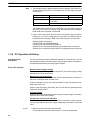
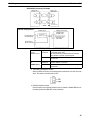
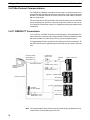
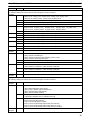
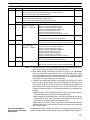
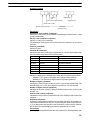
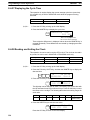
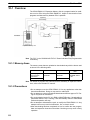
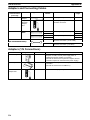
The CQM1H-PRO01-E can be connected directly to the CPM2C-S.
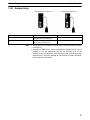
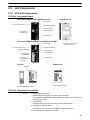
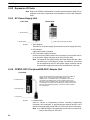
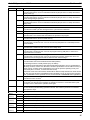
LCD display
Mode switch
Operation keys
Attached Cable (2 m)
Attached Cable (2 m)
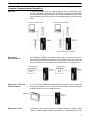
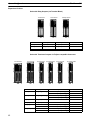
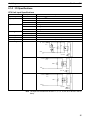
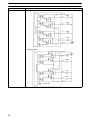
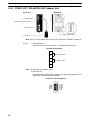
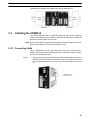
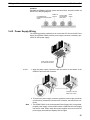
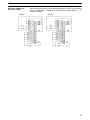
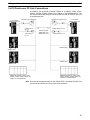
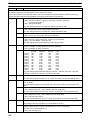
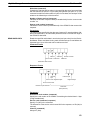
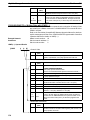
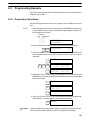
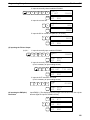
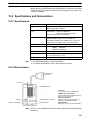
C200H-PRO27-E
LCD display
Mode switch
Operation keys
Cassette recorded jack
(Cannot be used with the CPM2C-S).
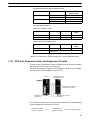
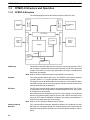
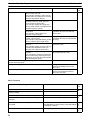
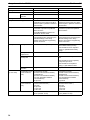
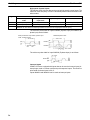
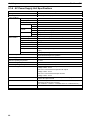
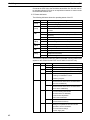
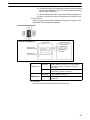
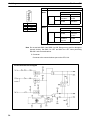
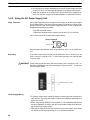
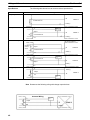
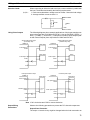
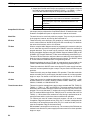
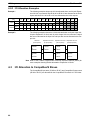
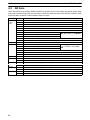
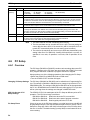
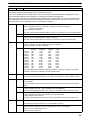
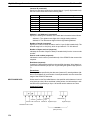
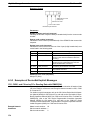
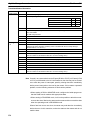
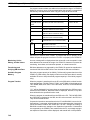
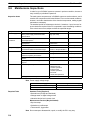
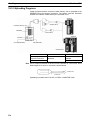
The following Connecting Cables can be used with the C200H-PRO27-E.
Model
C200H-CN222
C200H-CN422
CS1W-CN224
CS1W-CN624
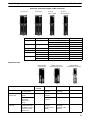
Different Keys
Cable length
2m
4m
2m
6m
Connection
Connects to the peripheral port on a
CPM2C CN111 or CS1W
CPM2C-CN111
CS1W-CN114.
CN114
Connects directly
y to the CPM2C-S CPU Unit’s
communications
i i
port.
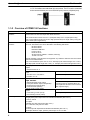
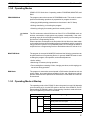
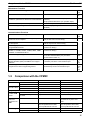
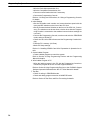
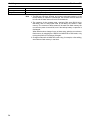
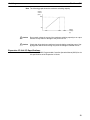
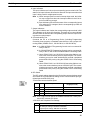
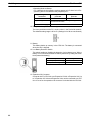
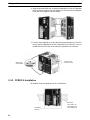
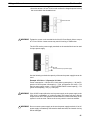
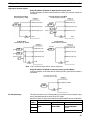
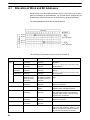
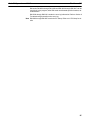
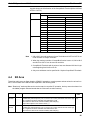
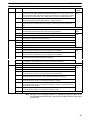
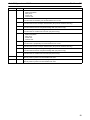
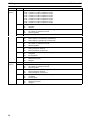
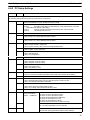
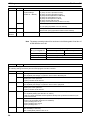
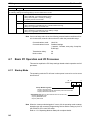
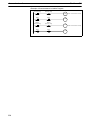
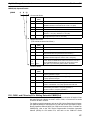
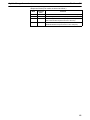
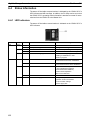
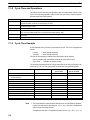
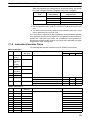
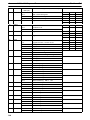
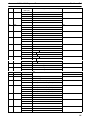
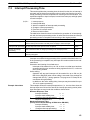
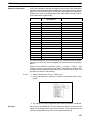
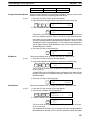
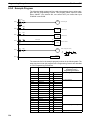
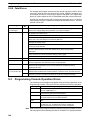
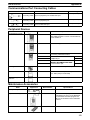
The following keys are labeled differently on the CQM1-PRO01-E and the
C200H-PRO27-E, but the operation of the keys in each pair is identical.
CQM1-PRO01-E and CQM1H-PRO01-E Keys
AR
C200H-PRO27-E Keys
HR
HR
SET
PLAY
SET
RESET
REC
RESET
168