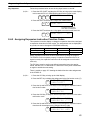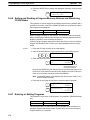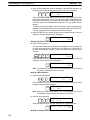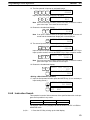
1
Section 10-3
Handling
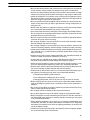
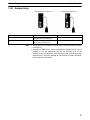
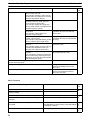
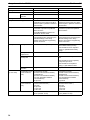
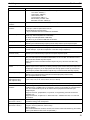
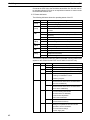
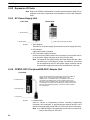
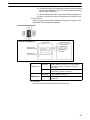
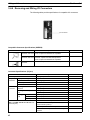
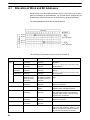
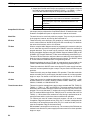
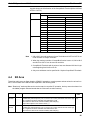
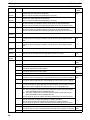
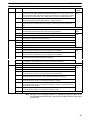
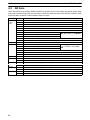
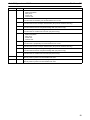
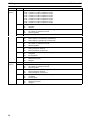
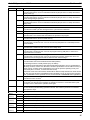
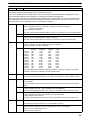
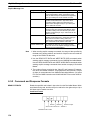
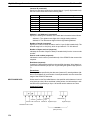
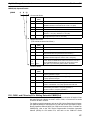
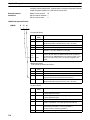
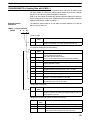
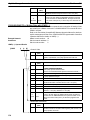
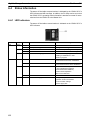
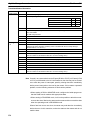
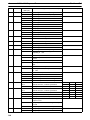
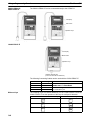
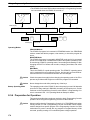
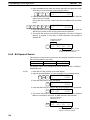
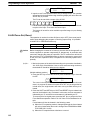
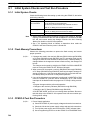
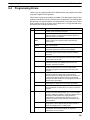
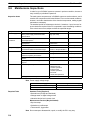
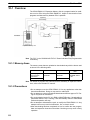
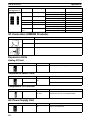
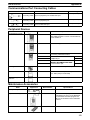
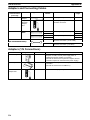
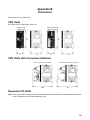
LED Indicator
CONNECT
(green)
ERR (red)
Meaning
OFF
OFF
Not connected to PC (power supply OFF).
ON
OFF
Connected to a recognized PC.
Blinking
OFF
Uploading/downloading data.
ON
Blinking
Host link communications error, retry by user.
OFF
ON
PC model and EEPROM data not compatible.
OFF
Blinking
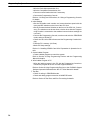
One of the following errors has occurred:
• An unrecognized PC is connected.
• An EEPROM error (EEPROM not present, EEPROM
defect, or no program to download) occurred.
• A checksum error occurred.
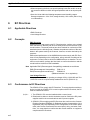
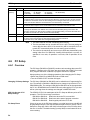
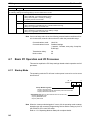
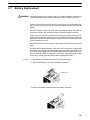
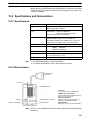
10-3 Handling
10-3-1 Mounting/Removing EEPROM
! Caution
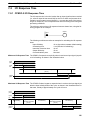
Do not mount or remove the EEPROM with the CPM1-EMU01-V1 connected to
the PC. Doing so may damage the EEPROM.
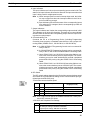
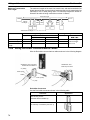
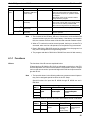
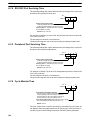
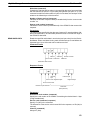
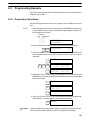
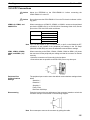
Mounting EEPROM
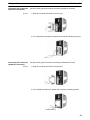
1, 2, 3...
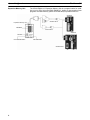
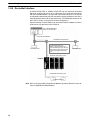
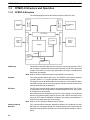
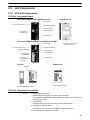
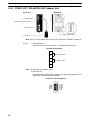
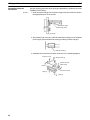
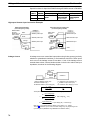
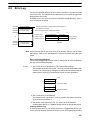
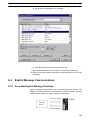
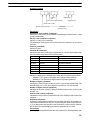
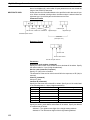
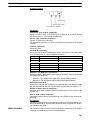
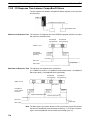
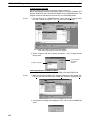
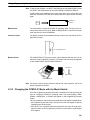
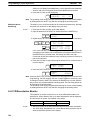
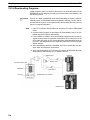
1. Lift up the lock lever.
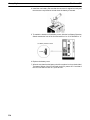
2. Straighten the pins on the EEPROM, line up with the socket and lower into
the socket, as shown in the following diagram. If the EEPROM is loose,
place it in the center of the socket.
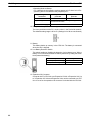
1. Lift up the lock lever.
EEPROM
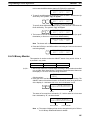
2. Insert the EEPROM.
3. Gently hold down the EEPROM and pull down the lock lever.
3. Pull down the lock lever.
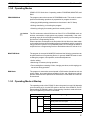
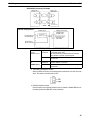
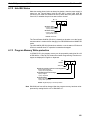
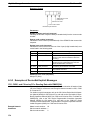
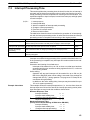
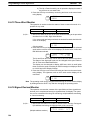
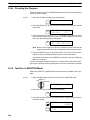
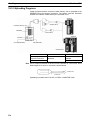
Removing EEPROM
224
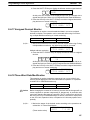
Lift up the lock lever and detach the EEPROM.