1
2.4.1.3
Privacy Zone
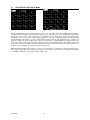
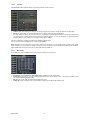
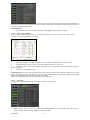
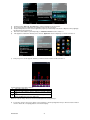
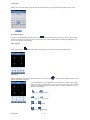
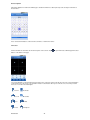
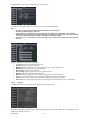
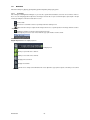
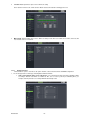
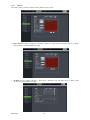
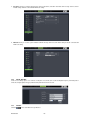
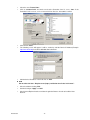
The function Allow you setup privacy zone parameters according to Picture below. Each channel could set up to four privacy
zones, and please follow below steps to set:
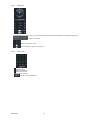
1. Select the area no (Area 1 ~ Area 4);
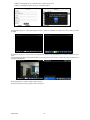
2. Click [Setup] to adjust position of mask area;
3. After finishing position adjust, click right key of mouse to return back [Privacy zone] interface;
4. Click [Apply] to save the above setting.
2.4.2
2.4.2.1
RECORD SET
Record parameters
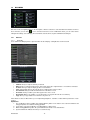
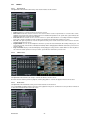
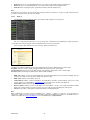
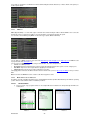
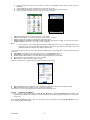
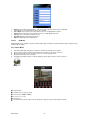
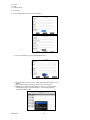
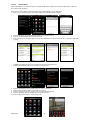
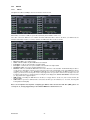
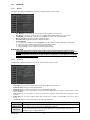
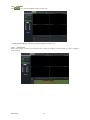
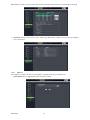
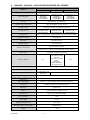
Go to [Main menuRecordRecord Para] to enter into the interface shown as below.
•
•
•
•
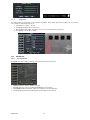
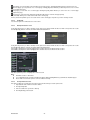
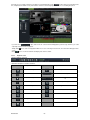
Channel: allow you setup the channel you desired.
Record: allows you set up record status (Enable/Disable) of each channel
Pack Duration: indicates maximum continuous record time (15, 30, 45 and 60 min).
Pre-record: Motion detection and I/O triggered record support Pre-record function.
DS1093-095
20