1
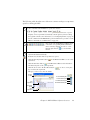
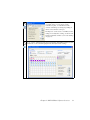
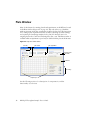
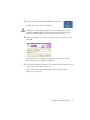
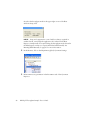
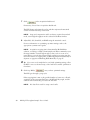
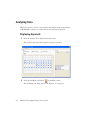
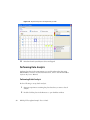
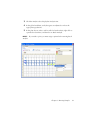
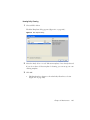
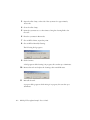
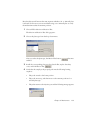
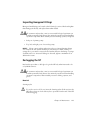
3 Click the Analysis tab to display the Analysis view.
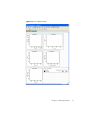
4 In the global worksheet, verify that gates are adjusted to enclose the
appropriate populations.
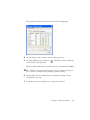
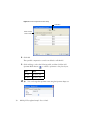
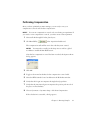
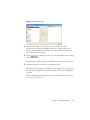
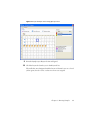
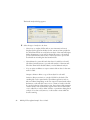
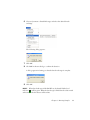
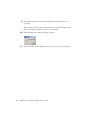
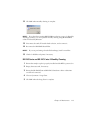
5 In the plate layout, select a well or wells for batch analysis, right-click to
open the shortcut menu, and then choose Batch Analysis.
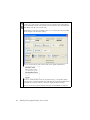
NOTICE If you wish to print, you must assign a printer before starting batch
analysis.
Chapter 3: Running Samples
91