1
Shutdown
1
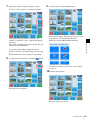
Complete any pending operations, and then bring up
the following screen.
Checking the Ribbon Cartridge
Remainder
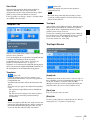
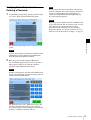
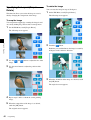
You can check the remainder of the ribbon cartridge.
1
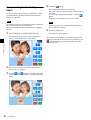
At the Start Guide display, touch the top right corner
of the screen twice in succession.
Chapter 2 Preparations
2
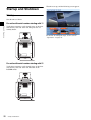
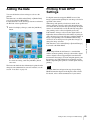
Shut down the unit as follows.
For units with serial numbers starting with 11
Verify that no memory card is inserted in any of the
front-side memory card slots of the unit. Then press
the on/standby button.
The remainder of the ribbon cartridge is displayed.
For units with serial numbers starting with 51
Verify that no memory card is inserted in any of the
front-side memory card slots of the unit. Then turn off
the POWER switch.
The original screen reappears after 5 seconds.
Startup and Shutdown
21