1
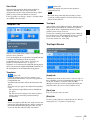
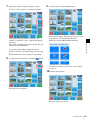
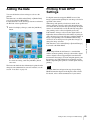
Operation Flow
Quick Print mode
Touch the screen
Touch the screen
Select language 1)
Select language 1)
Select input method 2)
Select input method 2)
Insert memory card or send images 2)
Insert memory card or send images 2)
Select print type
Select print type
Border Print
Split Image
Select border
Select layout
Select image/number of copies
Index Print
Print
Chapter 4 Operation
Print
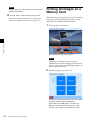
Full mode/Event mode
Print All Images
Select image/
number of copies
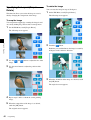
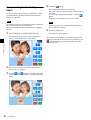
Edit (if required)
Verify order
Verify order
Enter password 1)
Enter password 1)
Print
Print
: Not required in Event mode.
1) : Not required depending on settings.
2) : When Bluetooth communication is enabled.
Operation Outline
31